How To Import Multiple Obj In Blender
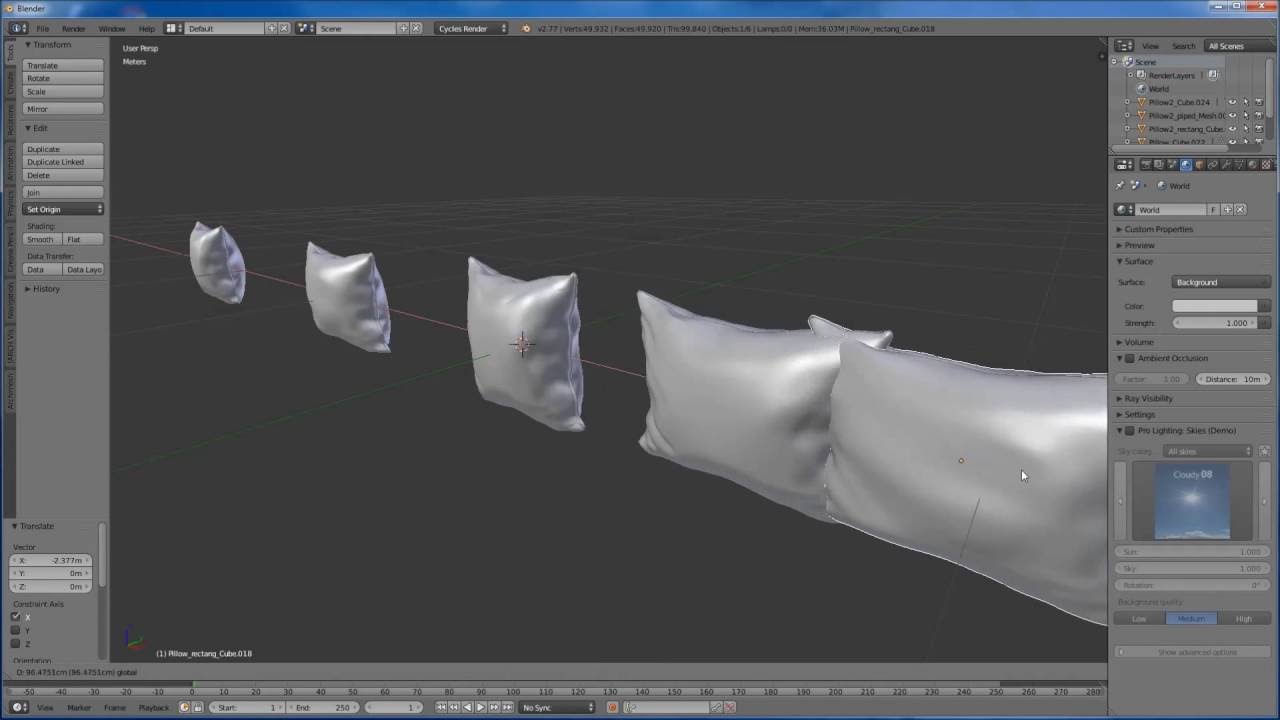
How To Import Multiple Obj In Blender
Introduction
Blender is an open-source and free 3D creation suite. It supports the entirety of the 3D pipeline—modeling, rigging, animation, simulation, rendering, compositing, motion tracking and video editing. This makes it a powerful and versatile tool for creating all kinds of 3D models and animations. Its wide range of features and functions makes it an ideal choice for 3D enthusiasts and professionals alike.
One of the most common uses of Blender is to create and animate 3D models, which can then be used for a variety of purposes. Models can be created from scratch using Blender’s powerful modeling tools, or they can be imported from other 3D programs. Blender has the capability to import 3D models in various formats such as OBJ, FBX, STL, and more.
Importing Multiple OBJ Files
OBJ is a popular 3D model format that is used by many 3D applications. It is a standard format that is widely supported by various 3D software packages. OBJ files are easily imported into Blender, and can be used for a variety of purposes.
When it comes to importing multiple OBJ files into Blender, the process is relatively straightforward. To do this, you will need to open the “File” menu and choose “Import”. You will then be presented with a window which allows you to select the OBJ files you wish to import. This window also provides options for scaling, rotation, and other transformations that can be applied to the imported models.
Once you have selected the files you wish to import, click the “Import” button and the selected OBJ files will be imported into Blender. The imported models will appear in the 3D viewport, and can be used as the basis for further manipulation and animation.
Organizing the Models
Once the multiple OBJ files have been imported into Blender, it can be difficult to keep track of them all in the viewport. To help with this, it is recommended that you create a collection for each of the imported models. This can be done by selecting all of the imported objects, right-clicking on them, and choosing “Add to Collection”. This will create a new collection that contains all of the imported models.
Once the collections have been created, they can be used to quickly select and manipulate the imported models. This can be especially useful when animating the models, as it allows the user to quickly select the relevant models without having to search through a crowded 3D viewport.
Conclusion
In conclusion, Blender is a powerful and versatile 3D software package that has the capability to import multiple OBJ files. This can be a great way to quickly create 3D models and animations from scratch, or to simply import existing models from other 3D programs. To make the process easier, it is recommended that you create collections for each of the imported models, so that they can be quickly and easily accessed.
