Can Blender Create Stl Files
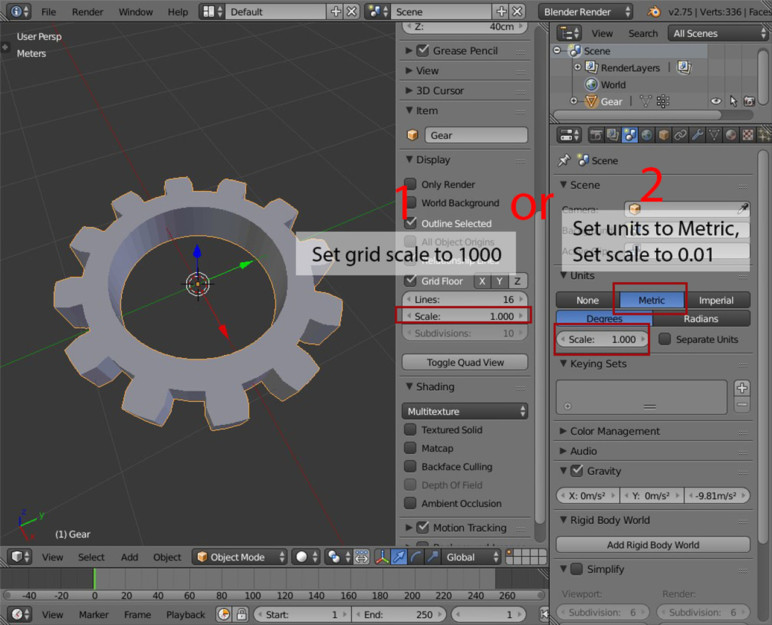
Can Blender Create STL Files?
What is Blender?
Blender is an open-source 3D computer graphics software toolset used for creating animated films, visual effects, art, 3D printed models, motion graphics, interactive 3D applications, and video games. It is available for free and works on all major operating systems including Windows, macOS, and Linux. It has a powerful suite of tools for modeling, texturing, rigging, animation, rendering, compositing, and game creation.
What is an STL File?
STL (STereoLithography) is a file format native to the stereolithography CAD software created by 3D Systems. STL files describe only the surface geometry of a three-dimensional object without any representation of color, texture or other common CAD model attributes. The STL format specifies both ASCII and binary representations. Binary files are more common, since they are more compact.
What Can Blender Do With STL Files?
Blender can import and export STL files. This means that you can use Blender to open an existing STL file and modify it, or create a 3D model from scratch and export it to an STL file for 3D printing. Blender can also be used to generate a 3D model of a physical object using photogrammetry techniques.
What Are the Benefits of Using Blender for STL Files?
The biggest benefit of using Blender for STL files is its versatility. Blender is a powerful 3D modeling and animation software that can be used to create a variety of 3D models. The software is also capable of importing existing STL files and editing them, which makes it a great tool for modifying existing models. Additionally, Blender is an open-source software, meaning that it is free to use, and is constantly being updated with new features and bug fixes.
How to Use Blender for STL Files?
Using Blender to create or modify an STL file is relatively easy. The first step is to import the STL file into Blender. This can be done by going to the File menu and selecting “Import”. From here, you can select the STL file and it will be imported into Blender. Once the file is imported, you can use the various tools available in Blender to modify the model as needed. When you are done, you can export the model as an STL file by going to the File menu and selecting “Export”. From here, you can select the STL file format and the model will be exported.
Conclusion
In conclusion, Blender is a great tool for creating and modifying STL files. It is versatile and easy to use, and can help you create or modify 3D models for 3D printing. Additionally, it is an open-source software, meaning that it is available for free, and is constantly being updated with new features and bug fixes.
