How To View An Stl File
Friday, August 22, 2025
Edit
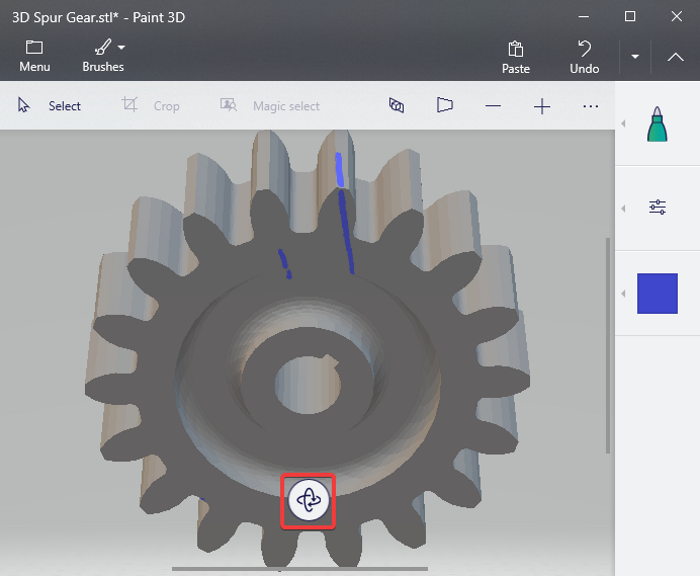
How To View An STL File
Introduction
An STL file is a common 3D printing file format, which stands for stereolithography. This file format is used in 3D printing, computer-aided design (CAD), and other related fields. In order to view an STL file, you will need a dedicated STL viewer software. These types of programs are designed to render 3D objects in a 3D environment, allowing you to examine the shape, size, and orientation of an object. In this tutorial, we will show you how to use an STL viewer to view an STL file.
Step 1: Download an STL Viewer
The first step is to download an STL viewer. There are many free and paid STL viewer programs available online. We recommend using MeshLab, which is a free and open-source STL viewer program. It is available for Windows, Mac, and Linux operating systems. Once you have downloaded the program, you can install it on your computer.
Step 2: Open the STL File
Once you have installed the program, you can open the STL file. To do this, you will need to launch the program and select the File > Open option from the top menu. You can then select the STL file you want to view from the file browser. The file will then be opened in the STL viewer.
Step 3: Examine the STL File
Now you can examine the STL file. The STL viewer will render the 3D object in a 3D environment. You can rotate the object to view it from different angles. You can also zoom in and out to get a closer look at the object. Additionally, you can adjust the lighting and background to get a better view of the object.
Step 4: Measure the STL File
In addition to viewing the STL file, you can also measure it. The STL viewer will display the length, width, and height of the object. You can also measure the distance between two points on the object. This can be useful if you need to know the exact size of the object.
Step 5: Export the STL File
If you need to edit the STL file, you can export it to another 3D modeling program. Most STL viewer programs will allow you to export the file in a variety of formats, such as OBJ, DAE, and 3DS. Once you have exported the file, you can open it in a 3D modeling program and make the necessary edits.
Conclusion
In this tutorial, we have shown you how to view an STL file using an STL viewer program. We have also shown you how to measure the object and export it to another 3D modeling program. With this information, you should be able to view and measure an STL file with ease.
