How To Scan Objects For 3d Printing
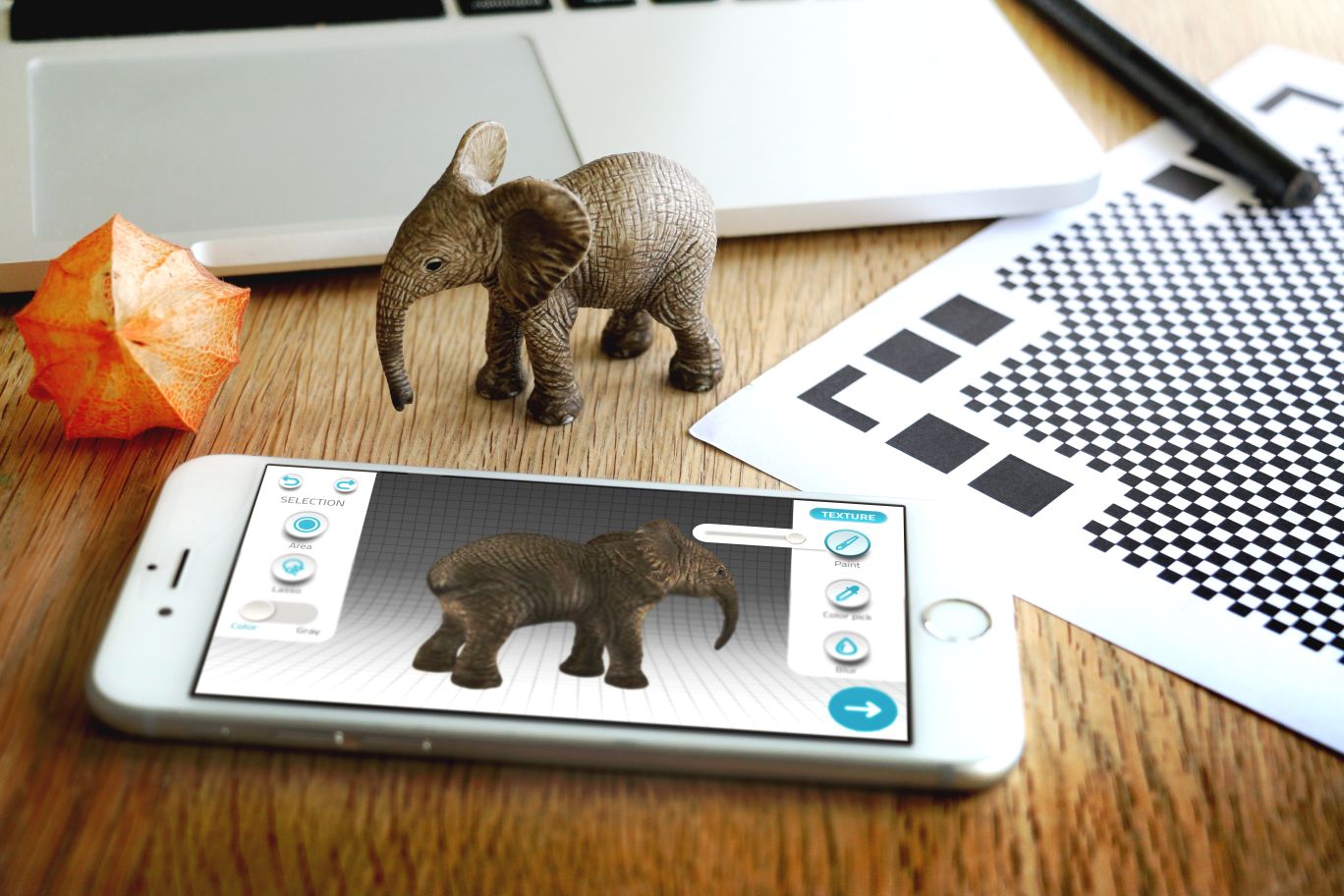
Scanning Objects For 3D Printing: A Step-By-Step Guide
3D printing is a process of creating 3D objects from digital models. It’s becoming an increasingly popular way to manufacture products and can be used for a variety of applications, from prototyping to making custom parts. To get started with 3D printing, the first step is to create a digital model. But how do you do that? If you have an existing physical object, you can use a 3D scanner to convert it into a digital model. Here, we’ll explain all the steps you need to take to scan an object for 3D printing.
1. Choose the Right 3D Scanner
The type of 3D scanner you’ll need depends on the size and complexity of the object you’re scanning. For example, if you’re scanning a small object like a keychain, a handheld 3D scanner is a good choice. If you’re scanning a larger and more complex object, such as a human being, you’ll need a more sophisticated 3D scanner like a structured-light 3D scanner. You should also consider the level of accuracy you require — the higher the accuracy, the more expensive the 3D scanner.
2. Prepare the Object for Scanning
Before scanning your object, you’ll need to make sure it’s prepared properly. This means cleaning the object and removing any dirt or debris that could interfere with the scanning process. If you’re scanning an object with a lot of small details, such as a figurine, you might also want to apply a coat of white paint to make the object more visible to the 3D scanner. Once the object is clean and ready to go, you can move on to the next step.
3. Set Up the 3D Scanner
Once you’ve chosen a 3D scanner and prepared the object, you’ll need to set up the scanner itself. This involves connecting the scanner to your computer and downloading the necessary software. Depending on the type of 3D scanner you’re using, you may also need to calibrate the scanner to ensure it’s functioning correctly. Once you’ve finished setting up the scanner, you can start the scanning process.
4. Place the Object in the Scanner
The next step is to place the object in the scanner. If you’re using a handheld scanner, you’ll need to hold it in your hand and move it around the object. If you’re using a stationary scanner, you’ll need to place the object on a rotating platform. Make sure the object is centered in the scanner and that the scanner has a good view of the entire object.
5. Capture the Scan Data
Once the object is in the scanner, you’ll need to capture the scan data. Depending on the scanner, this may involve pressing a button or clicking a button on your computer. Once you start the scanning process, the scanner will capture the data and save it to your computer. This process can take anywhere from a few minutes to a few hours, depending on the complexity of the object.
6. Process the Scan Data
Once the scan data is captured, you’ll need to process it. This involves using a 3D modeling program to convert the scan data into a 3D model. Depending on the program you’re using, this process can take anywhere from a few minutes to a few hours. Once the model is complete, you can move on to the next step.
7. Export the Model for 3D Printing
The final step is to export the model for 3D printing. This involves exporting the model as an .stl (STereoLithography) file, which is the standard file format for 3D printing. Once the file is exported, you can send it to your 3D printer and start printing. That’s it — you’re now ready to start 3D printing!
Conclusion
Scanning objects for 3D printing isn’t as complicated as it may seem. With the right 3D scanner and a bit of preparation, you can easily scan any object and convert it into a 3D model. Just make sure you choose the right 3D scanner for the job and follow the steps outlined above. With a bit of practice, you’ll be scanning objects for 3D printing in no time.
