How To Make A House In Sketchup
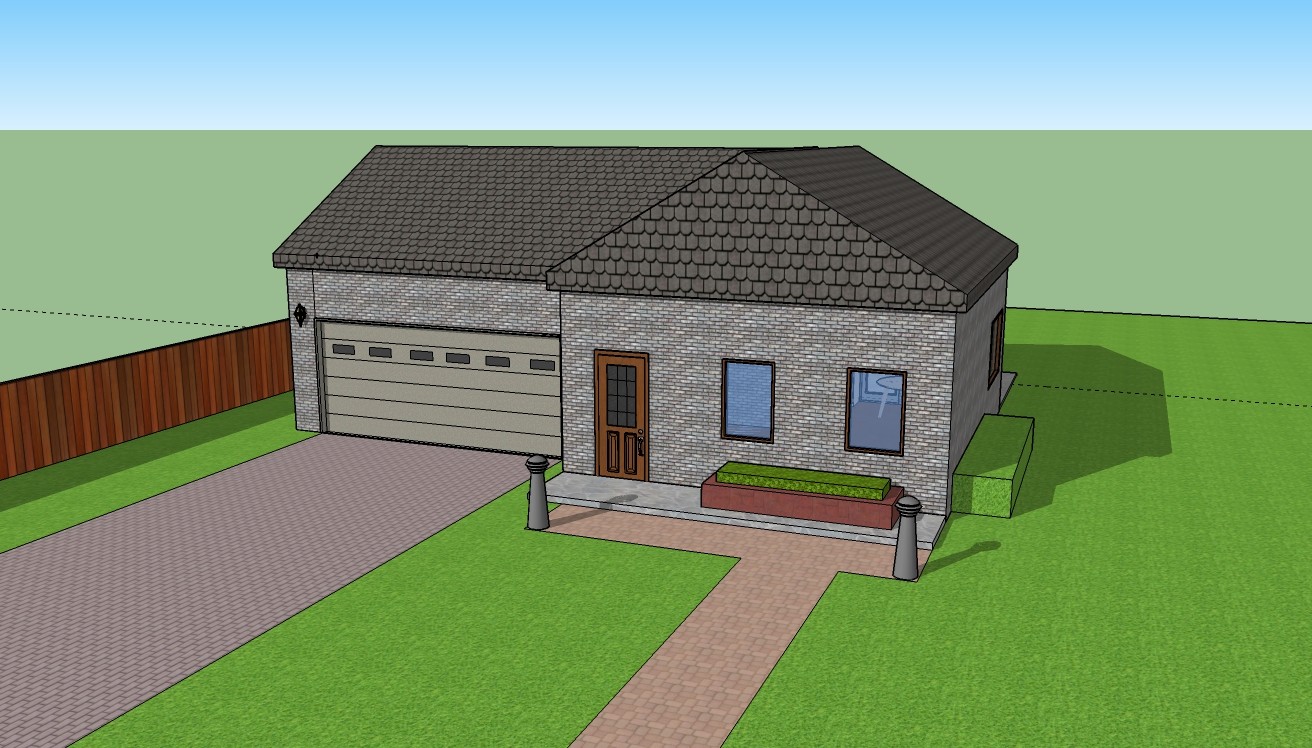
The Ultimate Guide to Making a House in Sketchup
Introduction to Sketchup
Sketchup is a 3D modeling software that’s been around since 2000 and is used by millions of people around the world. Whether you’re a professional designer, a hobbyist, or just someone looking to build a basic model of a house, Sketchup makes it easy to quickly and efficiently create a 3D model of your house. If you want to make a 3D model of a house in Sketchup, you’ve come to the right place. This guide will walk you through the entire process, from downloading and installing the software to creating a complete 3D model of your house.
Download and Install Sketchup
The first step to creating a 3D model of your house in Sketchup is to download and install the software. Sketchup is available for both Windows and Mac, so you’ll need to decide which version you want to use. Once you’ve downloaded the software and installed it on your computer, you’re ready to start building your model.
Creating the Base Model
Before you start constructing the walls, windows, and other details of your house, you need to create the basic model of your house. This involves creating the walls, roof, and other major components. To get started, open Sketchup and create a new file. Then, use the basic shapes, such as rectangles and circles, to create the base model of your house. You can also use the offset tool to create walls of different sizes and shapes. Once you’ve created the base model, you’re ready to start adding details.
Adding Windows and Doors
Once you’ve created the basic model of your house, you can start adding details like windows and doors. Sketchup has a variety of tools you can use to make windows and doors. You can use the Rectangle tool to draw the basic shape of the window or door, and then use the Push/Pull tool to add depth. You can also use the Arc tool to create curved windows and doors. Once you’ve created the windows and doors, you can add details like frames and trim.
Adding Roofs
The next step is to create the roof of your house. Sketchup has a variety of tools you can use to create different types of roofs. You can use the Line tool to draw the basic outline of the roof, and then use the Push/Pull tool to add depth. You can also use the Offset tool to create curved roofs. Once you’ve created the roof, you can add details like shingles and gutters.
Adding Finishing Touches
Once you’ve created the basic model of your house, you can start adding finishing touches. For example, you can add items like furniture, plants, trees, and other objects to your model. You can also use the Paint Bucket tool to add color to your model. Once you’ve added all the finishing touches, you’re ready to save your model and share it with friends and family.
Conclusion
Making a 3D model of your house in Sketchup is a fun and easy way to create a detailed model of your house. With the right tools and a bit of practice, you can quickly create a realistic model of your house. Whether you’re a professional designer or just someone looking to create a basic model of a house, Sketchup makes it easy to create a 3D model of your house. So what are you waiting for? Get started today and let your imagination run wild.
