How To Model Low Poly
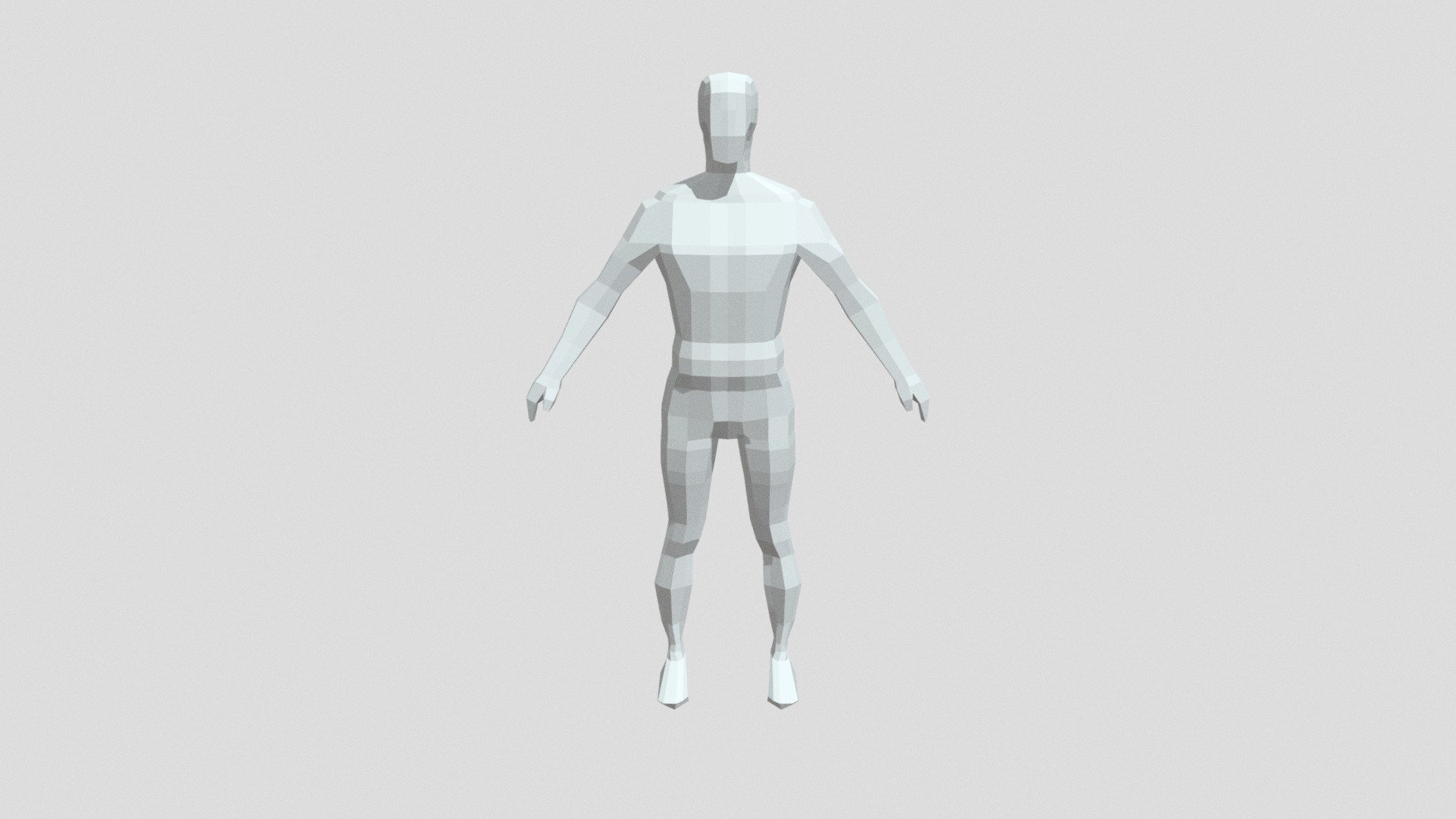
How To Model Low Poly
What is Low Poly?
Low poly is a style of 3D computer graphics that became popular during the late 1990s. It is characterized by a low level of detail and a small number of polygons, which are the basic building blocks of 3D models. Low poly graphics are often used in video games, films, and TV shows to create a stylized, cartoony look. They are also used in architecture and design to represent the shape of a building or object in a simplified way.
Tools Needed
In order to create low poly models, you will need a 3D modeling program like Autodesk 3DS Max, Maya, or Blender. You will also need a basic understanding of the tools and techniques used in 3D modeling. For example, you should be familiar with manipulating vertices, faces, and edges, as well as using textures to add color and detail to your model.
Creating a Low Poly Model
The first step in creating a low poly model is to decide what shape you want to create. This could be a simple object like a cube or a more complex object like a character or building. Once you have chosen your object, you can begin to construct it. Start by adding vertices and faces to create the basic shape of your object. Make sure the shape is accurate and all the angles are the same. You can also use other 3D modeling tools like extrusion and smoothing to refine the shape.
Texturing Your Model
Once you have created the basic shape of your low poly model, you can start to add textures. Textures are images that are applied to the 3D model to create the illusion of detail and color. You can either use procedural textures, which are generated by the 3D modeling program, or bitmap textures, which are taken from real-world images. You can also combine both procedural and bitmap textures to create a more realistic look.
Rendering the Model
Once you have finished texturing your low poly model, it is time to render it. Rendering is the process of creating a 2D image of the model. This can be done with a 3D modeling program or a dedicated rendering program like V-Ray. Rendering can take a long time, depending on the complexity of the scene and the quality of the final image. However, the results can be stunning, and the rendered images can be used in games, films, and other digital media.
Optimizing the Model
The last step in creating a low poly model is to optimize it for use in games or other interactive media. This involves reducing the number of polygons in the model to reduce memory usage and improve performance. You can use techniques like edge collapsing, vertex welding, and texture baking to reduce the number of polygons without sacrificing too much detail. With a few optimizations, you can create a low poly model that is both visually appealing and optimized for use in interactive media.
Conclusion
Creating low poly models is a great way to get started in 3D modeling. It is a relatively simple process that doesn’t require complex tools or techniques. By using the techniques described above, you can create stunning low poly models that can be used in games, films, and other digital media. With a little practice and patience, you can start creating your own low poly models and have a lot of fun doing it.
