How To Build A Pc For 3d Modeling
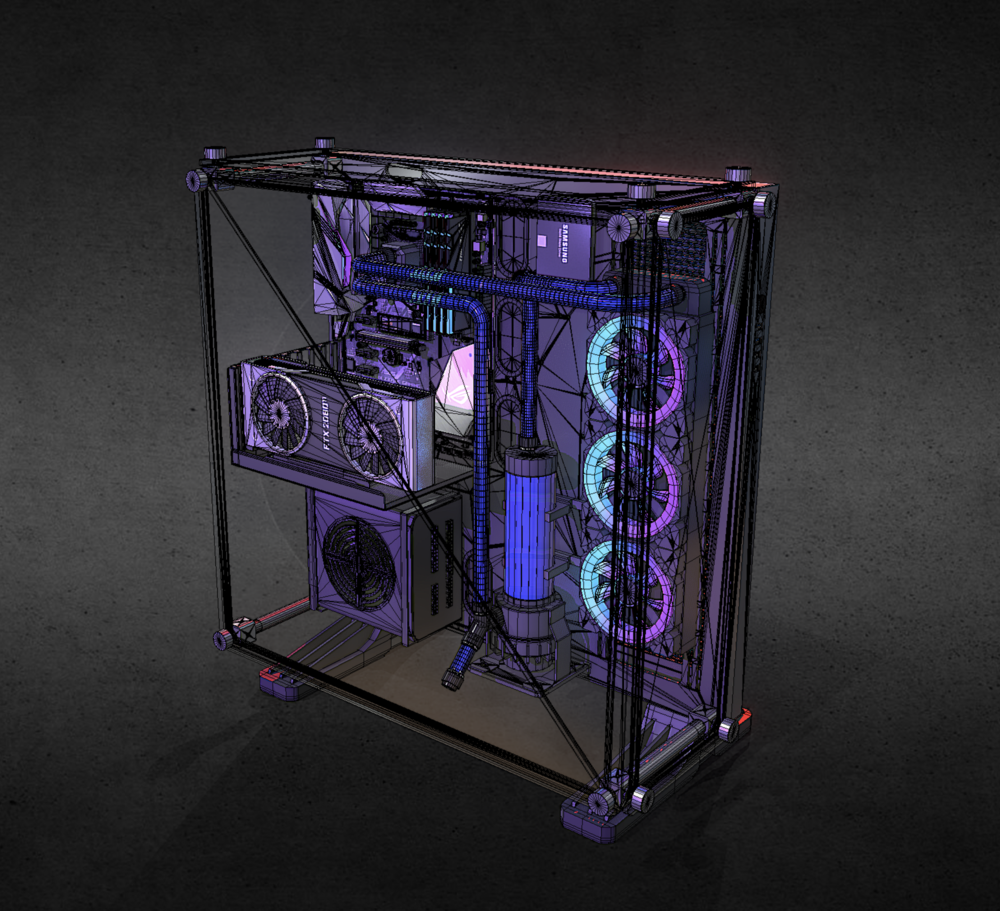
How To Build A Pc For 3D Modeling
Introduction
3D modeling is a fun and creative way to express yourself via the computer. With 3D modeling, you can take your ideas and turn them into 3D objects that can be printed, shown in a video game, or even used in a movie. In order to create 3D models, however, you need a powerful computer to run the software. Building your own PC for 3D modeling will give you the power and capabilities you need to create the models you imagine. This tutorial will walk you through the steps of building your own PC specifically for 3D modeling.
Step 1: Choose Your Parts
The first step to building your PC is to choose the parts that you need. You will need to choose a processor, a motherboard, a graphics card, RAM, storage, a power supply, and a case. When choosing the parts, it is important to make sure that they are all compatible with each other. Make sure that the processor is compatible with the motherboard, the graphics card is compatible with the motherboard, and so on. Additionally, make sure that the case is large enough to fit all of the parts. If you are unsure about compatibility, you can consult a website such as PC Part Picker for help.
Step 2: Install the Processor
Once you have chosen the parts for your PC, it is time to start the assembly process. The first step is to install the processor. To do this, you will need to insert the processor into the CPU socket on the motherboard. Make sure that the processor is lined up correctly and not forced into the socket. Then, secure the processor with the latch that is located on the side of the socket. Once the processor is secured, you can install the cooling fan. Make sure that the fan is lined up correctly so that it can be securely fastened.
Step 3: Install the Motherboard
The next step is to install the motherboard. To do this, you will need to place the motherboard into the case. Make sure that the ports and connectors line up with the cutouts in the case. Once the motherboard is in place, you will need to secure it with the screws that are provided. Once the motherboard is secured, you can install the RAM, the graphics card, and any other components that are needed.
Step 4: Connect the Power Supply
The next step is to connect the power supply. To do this, you will need to connect the power supply cables to the appropriate components on the motherboard. Make sure that the connectors are lined up correctly and not forced into the sockets. Once all of the cables are connected, you can turn on the power supply and make sure that it is working properly.
Step 5: Install the Storage
After the power supply is connected, you can install the storage devices. This can include a hard drive, an SSD, or an optical drive. To install the storage devices, you will need to connect the appropriate cables to the appropriate components on the motherboard. Once the storage devices are connected, you can install the operating system.
Step 6: Install the Operating System
The last step is to install the operating system. This can be either Windows or Mac OS. To install the operating system, you will need to insert the installation disc into the optical drive. Once the disc is inserted, you can follow the on-screen instructions to complete the installation process. Once the installation is complete, you can install any necessary drivers or software. You can also install any 3D modeling software that you plan on using.
Conclusion
Building a PC for 3D modeling is a great way to get the power and capabilities you need to create the 3D models of your dreams. By following this tutorial, you can assemble your own PC and get started with 3D modeling. Remember to choose compatible parts, install the components correctly, and install the operating system to complete the build. Good luck and happy modeling!
