3ds Max High Poly Modeling
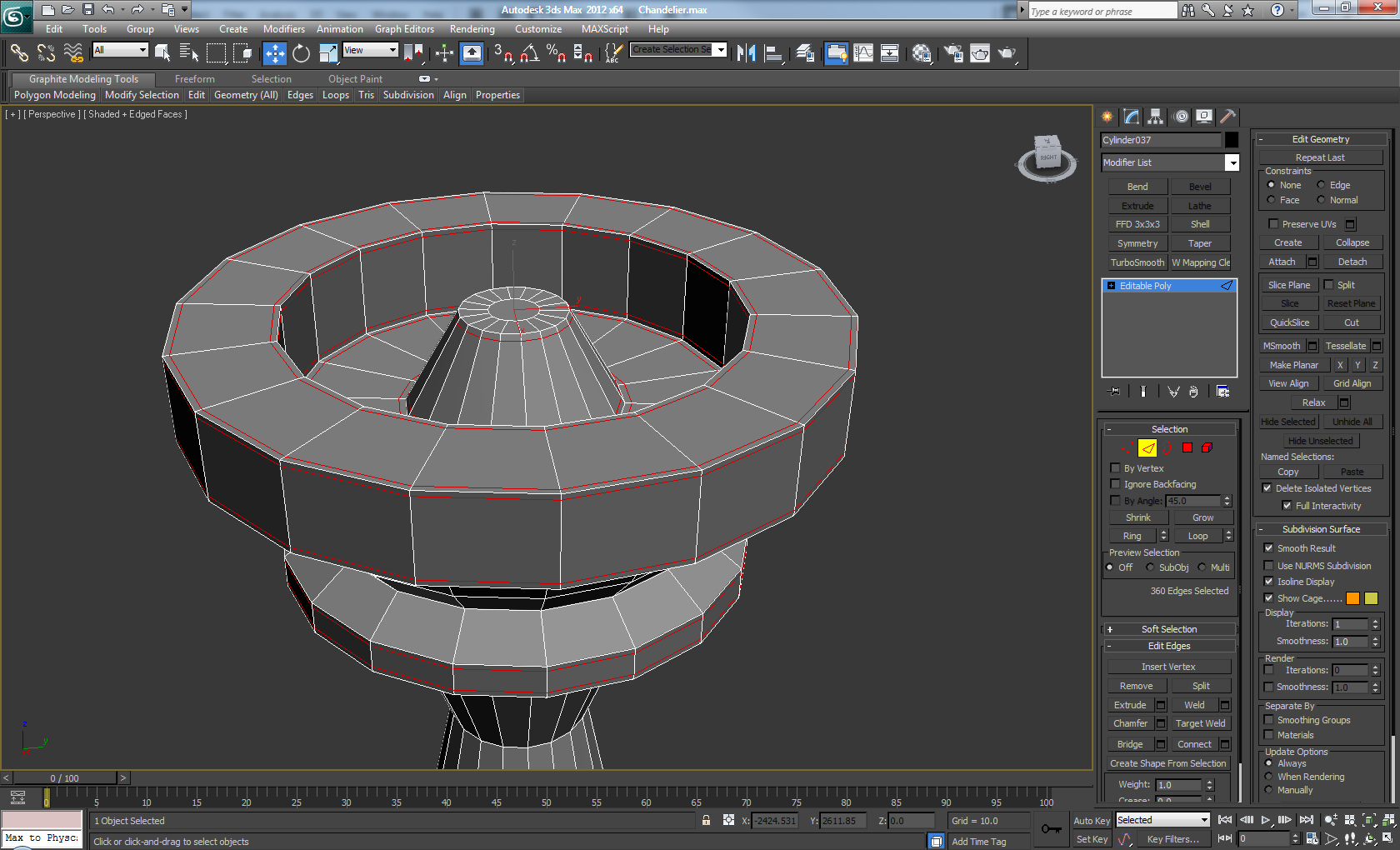
High Poly Modeling in 3ds Max
What is High Poly Modeling?
High poly modeling is a type of 3D modeling that utilizes a large number of polygons, or faces, to create detailed and complex models. This type of modeling is used in the creation of 3D characters, environments and objects for use in games, films, television and other media. High poly modeling is often used in conjunction with low poly modeling, which utilizes a much lower number of polygons, to create a more efficient model with fewer details.
How to Get Started with High Poly Modeling in 3ds Max
To begin high poly modeling in 3ds Max, you will need to start with a basic base mesh. This can be created by either modeling a basic geometry from scratch, or by using a 3D scan of an existing object. Once you have your base mesh, you will need to begin adding detail to it. This can be done by extruding faces and edges, adding vertices and adding bevels to create a more complex mesh.
Adding Detail to Your High Poly Model
Once you have created your basic mesh, you can begin adding detail and complexity to it. This can be done by adding additional faces and edges, creating bevels and chamfers, and adding additional vertices. You can also use the Smoothing Groups feature in 3ds Max to smooth out the surfaces of your model. Additionally, you can use the 3ds Max Polygon Reduction Tool to reduce the number of polygons in your model, while still maintaining its overall shape and detail.
Texturing Your High Poly Model
Once you have created and detailed your high poly model, you can then begin texturing it. This can be done with the use of bitmap textures, procedurals and materials. You can also use tools such as the Unwrap UVW tool to help you create a more efficient UV layout for your model. Additionally, you can use the Paint Deformation tool to paint weights onto your model, allowing you to deform it in certain areas.
Rendering Your High Poly Model
Once you have finished texturing your model, you can then begin rendering it. This can be done with the use of the 3ds Max Default Scanline Renderer, or with a third-party rendering engine such as V-Ray. Additionally, you can use the Global Illumination feature in 3ds Max to create more realistic lighting for your scene. Once you have finished rendering, you can then export your model in a variety of popular formats such as OBJ, FBX and Collada.
Conclusion
High poly modeling is a powerful and useful tool for creating detailed and complex 3D models. It is often used in conjunction with low poly modeling, to create a more efficient model with fewer details. By learning the basics of high poly modeling in 3ds Max, you can create detailed and realistic 3D models for use in games, films, television and other media.
