Low Poly Game Assets Blender
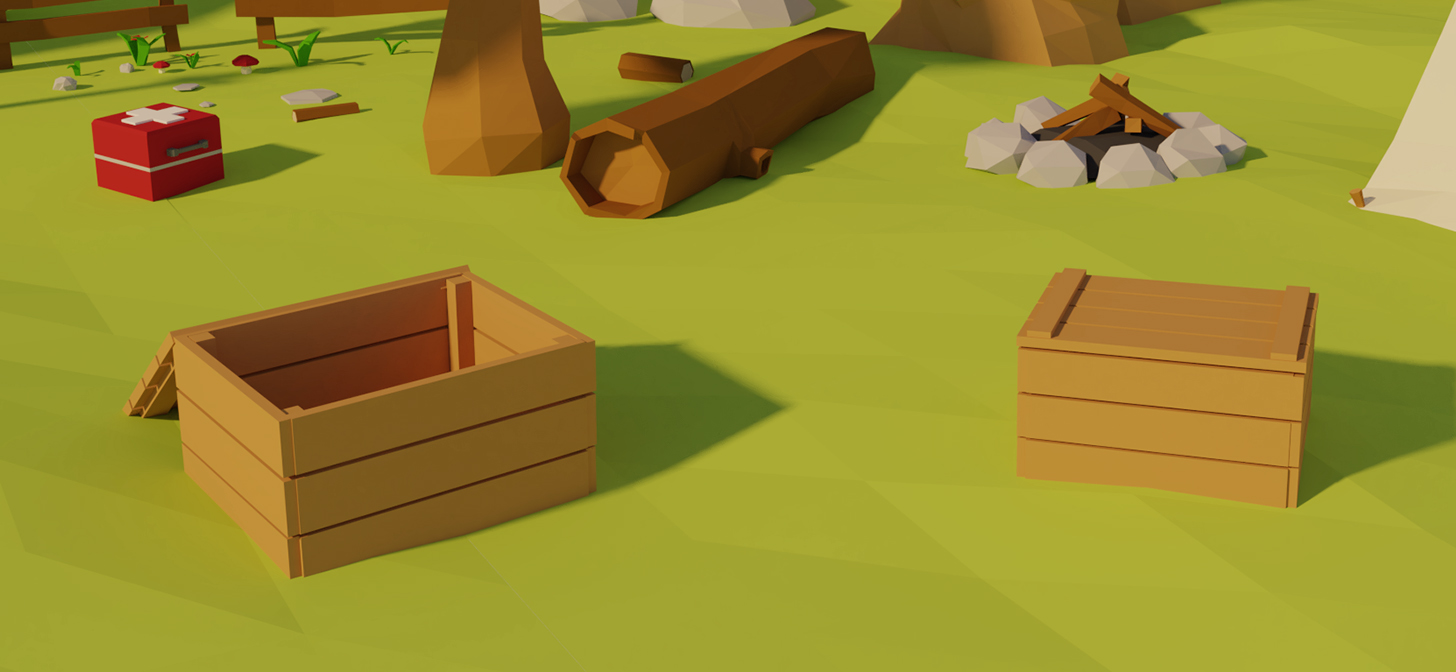
Creating Low Poly Game Assets in Blender
Blender is a powerful and open source 3D modeling software that is used by many people in the game development industry. It has a large library of tools and features that allow you to create detailed and realistic 3D models. One popular use of Blender is to create low poly game assets. Low poly game assets are blocky and simplistic 3D models that are used in many mobile and 2D games. These models are easy to create and can be used in a variety of ways. In this tutorial, we will go over the basics of creating low poly game assets in Blender.
Understanding Low Poly Game Assets
Before you can create low poly game assets in Blender, it is important to understand what they are and why they are used. Low poly game assets are 3D models that are made up of a low number of polygons. This makes them less detailed and realistic than high poly models, but they are much simpler and easier to create. These models are often used in mobile and 2D games, as they are easier to render and require less processing power. Low poly game assets are also often used as placeholders in game development, as they can be quickly created and replaced with more detailed models.
Creating Low Poly Assets in Blender
Now that you know what low poly game assets are, it is time to learn how to create them in Blender. Blender has many powerful modeling tools that can be used to create detailed and realistic 3D models. However, for low poly game assets, you won’t need to use all of these tools. Instead, you can use basic modeling techniques such as extrusion, subdivision, and loop cuts to quickly create low poly game assets.
Extrusion
Extrusion is one of the most basic modeling techniques that is used to create low poly game assets. It involves taking a 2D shape and pushing it outwards to create a 3D object. To do this in Blender, you can select a face or edge and press the “E” key to extrude it. You can then adjust the size and shape of the extrusion by dragging the mouse or using the arrow keys.
Subdivision
Subdivision is another basic modeling technique that is used to create low poly game assets. It involves taking a 3D object and adding more polygons to it. This can be used to add more detail to a model without increasing the polygon count too much. To do this in Blender, you can select an object and press the “W” key. This will open up the “Subdivide” menu, which allows you to adjust the amount of subdivision.
Loop Cuts
Loop cuts are a type of subdivision that is used to create low poly game assets. It involves taking a 3D object and adding additional edge loops to it. This can be used to add more detail to a model without increasing the polygon count too much. To do this in Blender, you can select an object and press the “Ctrl” + “R” keys. This will open up the “Loop Cut” menu, which allows you to adjust the number and size of the loop cuts.
Conclusion
Creating low poly game assets in Blender is a great way to quickly create blocky and simplistic 3D models. By using the tools and techniques outlined in this tutorial, you can easily create low poly game assets in Blender. Once you have created your models, you can then use them in your games or replace them with more detailed models. With a bit of practice, you will be able to create low poly game assets quickly and easily.
