How To 3d Print A Blender Model
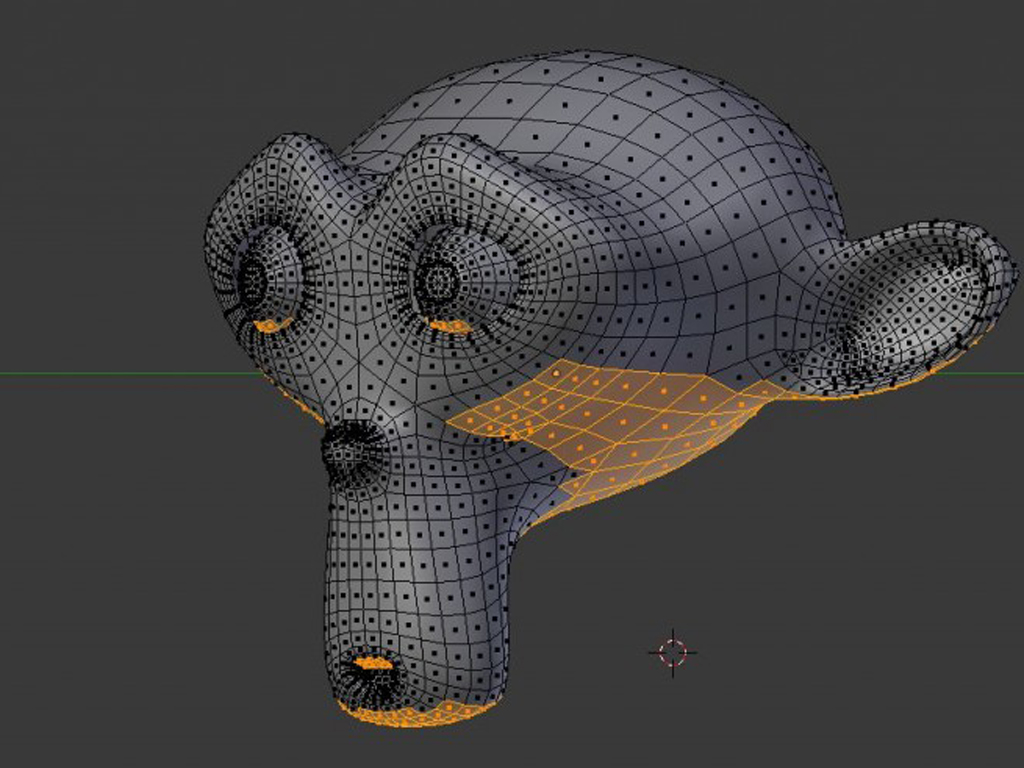
How To 3d Print A Blender Model
3D printing is an amazing technology that allows us to create physical objects from digital models. With the help of 3D printing, you can create anything from toys to tools and even furniture. But what if you want to create a 3D model from a computer program like Blender? Fortunately, it's relatively easy to do, and this tutorial will show you how to 3d print a Blender model.
Step 1: Get a 3D Printer
The first step to 3d printing a Blender model is to get a 3D printer. There are many different types of 3D printers available on the market, ranging from low-cost desktop models to industrial-grade machines. Some of the most popular 3D printers include the Ultimaker 3, the Makerbot Replicator, the Prusa i3, and the Flashforge Creator Pro. You can find detailed reviews of these 3D printers online, so be sure to do your research before making a purchase.
Step 2: Prepare Your Model for Printing
Once you've decided on a 3D printer, the next step is to prepare your Blender model for printing. This involves making sure that the model is in the right format, that it is the right size, and that it has the right level of detail. You'll also want to make sure that the model is properly oriented, so that it prints correctly. Once you've done all this, you can export the model as an STL file, which is the most common format for 3D printing.
Step 3: Slice the Model
Once you've exported your model as an STL file, you'll need to slice it into layers. This is done using a slicing program, such as Cura or Slic3r. The slicing program will take the STL file and generate a G-Code file, which is the language that the 3D printer understands. The G-Code file will tell the 3D printer how to move the print head and what material to lay down for each layer.
Step 4: Print the Model
Once the model has been sliced and the G-Code file has been generated, it's time to actually print the model. This is done by loading the G-Code file into the 3D printer and pressing the "print" button. Depending on the size and complexity of the model, it can take anywhere from a few minutes to a few hours to print the model. Once the print is finished, you'll have a fully-realized 3D model that you can use for whatever you'd like!
Step 5: Post-Processing
The last step in the process is post-processing. This involves cleaning up the model and removing any supports or other artifacts that may have been left behind during the printing process. Depending on the type of 3D printer you have, you may also need to apply a finish to the model, such as sanding or painting. This will ensure that your 3D model looks its best and is ready to use.
Conclusion
3D printing is a great way to turn digital models into physical objects. With the help of a 3D printer and some software like Blender, you can create almost anything you can imagine. This tutorial has shown you the basics of how to 3d print a Blender model. Now it's up to you to take this knowledge and start creating amazing things!
