Best Free Software For 3d Printing Design
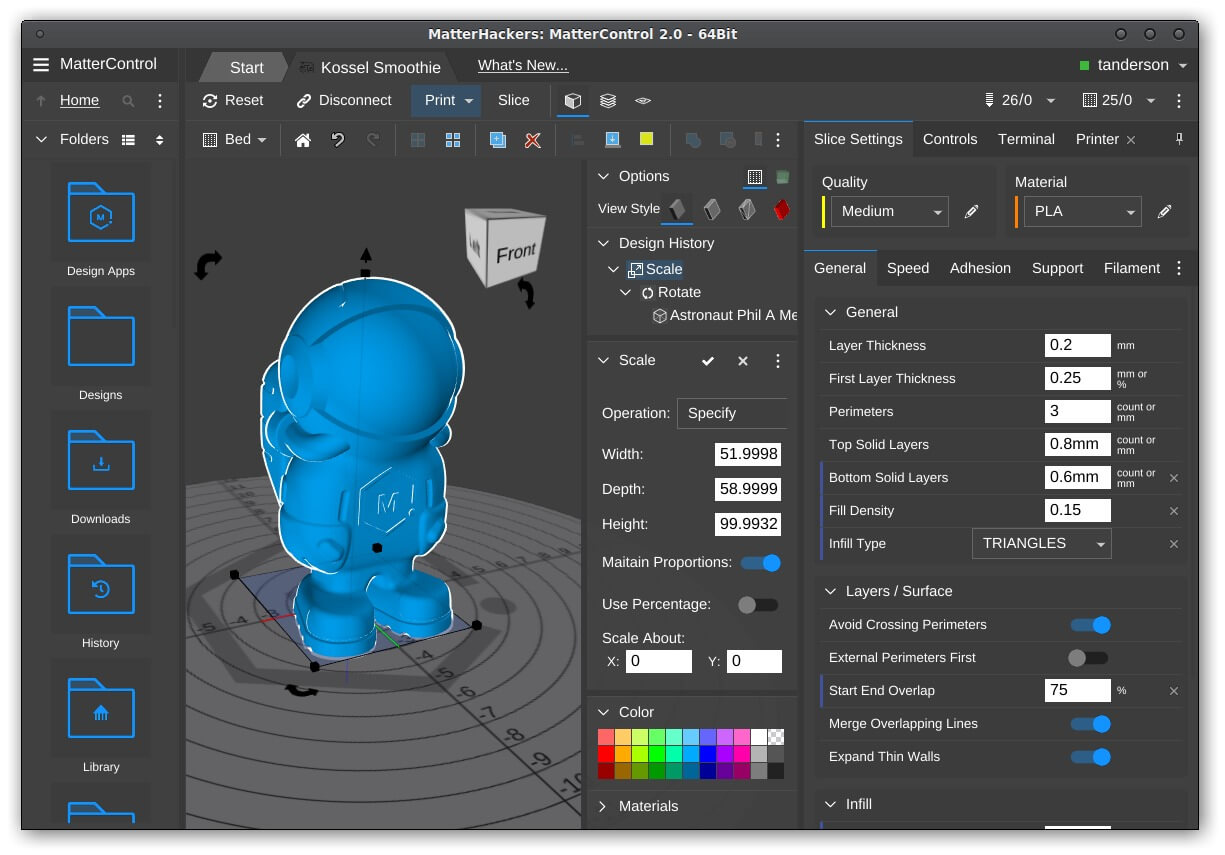
Best Free Software For 3d Printing Design
Introduction
3D printing is a relatively new technology that has exploded in the last few years, and for good reason. 3D printing has allowed for the rapid production of products, from prototypes to finished products, that can be made with precision and accuracy. This technology has opened up a world of possibilities for makers, inventors, and product designers. But in order to create a good 3D print, you need to have the right design software.
When it comes to 3D printing, there is no shortage of software options. There are dozens of 3D printing software programs available, and each has its own unique set of features, capabilities, and price points. Some are free, while others are more expensive.
In this article, we will be looking at some of the best free 3D printing design software that is available. We’ll look at what each program offers, how easy it is to use, and how it can help you create the perfect 3D printed product.
TinkerCAD
TinkerCAD is a simple and easy-to-use 3D design program that is great for beginners. The program was created by Autodesk, and is completely free to use. It is a browser-based program that is accessible from anywhere. It has a lot of great features, including an intuitive user interface and a library of pre-made shapes and objects that you can use to create your own designs.
TinkerCAD is great for creating simple designs, but it is limited when it comes to more complex designs. It also lacks support for some of the more advanced 3D printing features, such as support structures and variable infill. However, it is a great program for anyone just starting out with 3D printing.
SketchUp
SketchUp is a 3D modeling program that has been around for a long time. It is popular among architects and designers, and is great for creating models for 3D printing. The program is free to use, and has a wide range of features, including a powerful modeling toolset, customizable materials, and a large library of 3D objects.
SketchUp is a great program for creating more detailed and intricate designs. It is more complex than TinkerCAD, so it may take some time to learn how to use it. However, it is a great tool for anyone looking to create more complex designs.
Meshmixer
Meshmixer is a 3D printing program created by Autodesk. It is a powerful program that allows you to create detailed and complex designs. It has a wide range of features, including a sculpting tool, support structures, and an automated toolpath generation.
Meshmixer is great for creating detailed and complex designs. It is a great tool for anyone who wants to create their own 3D printed products. However, it is a bit more complex than some of the other programs on this list, so it may take some time to learn how to use it.
Conclusion
These are just a few of the best free 3D printing design software programs that are available. Each program has its own unique set of features, capabilities, and price points. When it comes to 3D printing, there is no one-size-fits-all solution, so it’s important to find the program that best fits your needs.
No matter which program you choose, it’s important to remember that 3D printing is a complex process, and the design software is just one part of it. It’s also important to have a good understanding of the 3D printing process, as well as the materials and techniques used for producing 3D printed products.
