Convert High Poly To Low Poly Blender
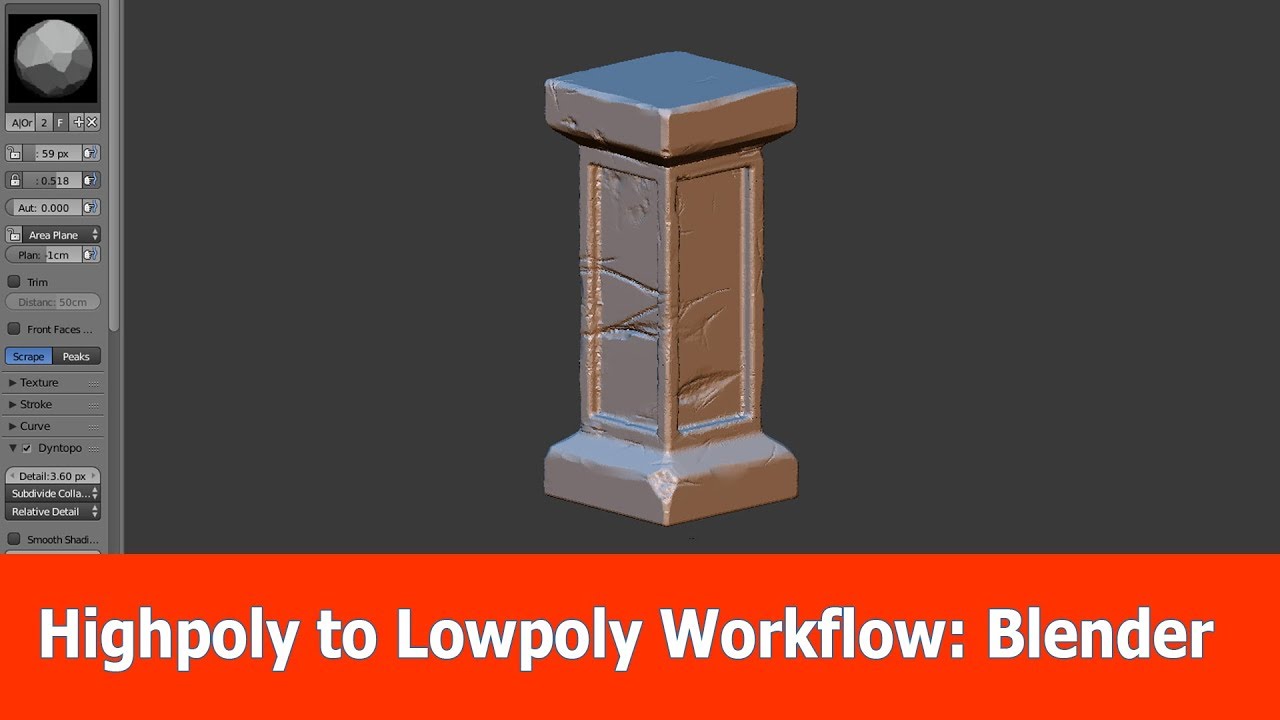
Convert High Poly To Low Poly Blender
Introduction
Converting high-poly models into low-poly models is a task that can be quite daunting if you aren't familiar with 3D modelling. Fortunately, Blender is an excellent 3D modelling tool that has the capability to do this with a few simple steps. In this tutorial, we'll be taking a look at how to convert a high-poly model into a low-poly model with Blender. Specifically, we'll be covering two different methods: the Decimate Modifier and the Remesh Modifier. Both of these methods are quite effective for reducing the complexity of models, so it's worth taking a look at each one in order to determine which is best for your needs.
What is a High Poly Model?
A high-poly model is a 3D model that has a lot of detail. This detail can come in the form of intricate shapes, textures, and other features that can make the model look more realistic. High-poly models can be used in many different applications, such as games, movies, and product visualization. However, they come with a downside: they take up a lot of system resources. This means that they can slow down devices, and they can be difficult to render. For these reasons, it's often necessary to convert a high-poly model into a low-poly model.
What is a Low Poly Model?
A low-poly model is a 3D model that has fewer details than a high-poly model. This can make the model look less realistic, but the advantage is that it takes up fewer system resources. This means that it can be more easily rendered and can run on devices with less power. Low-poly models are often used in games and mobile applications, as they are more efficient and easier to work with.
How to Convert a High Poly Model to a Low Poly Model with the Decimate Modifier
The Decimate Modifier is a tool in Blender that can be used to reduce the complexity of a high-poly model. This can be done by reducing the number of faces, vertices, and edges that make up the model. The modifier can also be used to reduce the amount of detail in the model by smoothing out the edges and smoothing out the textures. To use the Decimate Modifier, simply select the model, then go to the Modifiers tab and select Decimate. From there, you can adjust the settings to reduce the complexity of the model.
How to Convert a High Poly Model to a Low Poly Model with the Remesh Modifier
The Remesh Modifier is another tool in Blender that can be used to reduce the complexity of a high-poly model. This tool works by recreating the model from scratch, using fewer faces, vertices, and edges. The result is a low-poly model that still retains the overall shape of the original high-poly model. To use the Remesh Modifier, simply select the model, then go to the Modifiers tab and select Remesh. From there, you can adjust the settings to reduce the complexity of the model.
Conclusion
Converting a high-poly model into a low-poly model can be a daunting task, but it doesn't have to be. With Blender, you can quickly and easily convert a high-poly model into a low-poly model using the Decimate Modifier or the Remesh Modifier. Both of these tools can help you reduce the complexity of a model, making it easier to render and more efficient to work with. So if you're looking to reduce the complexity of your 3D models, give Blender a try and see how it can help.
