Blender Character Modeling Tutorial Beginner
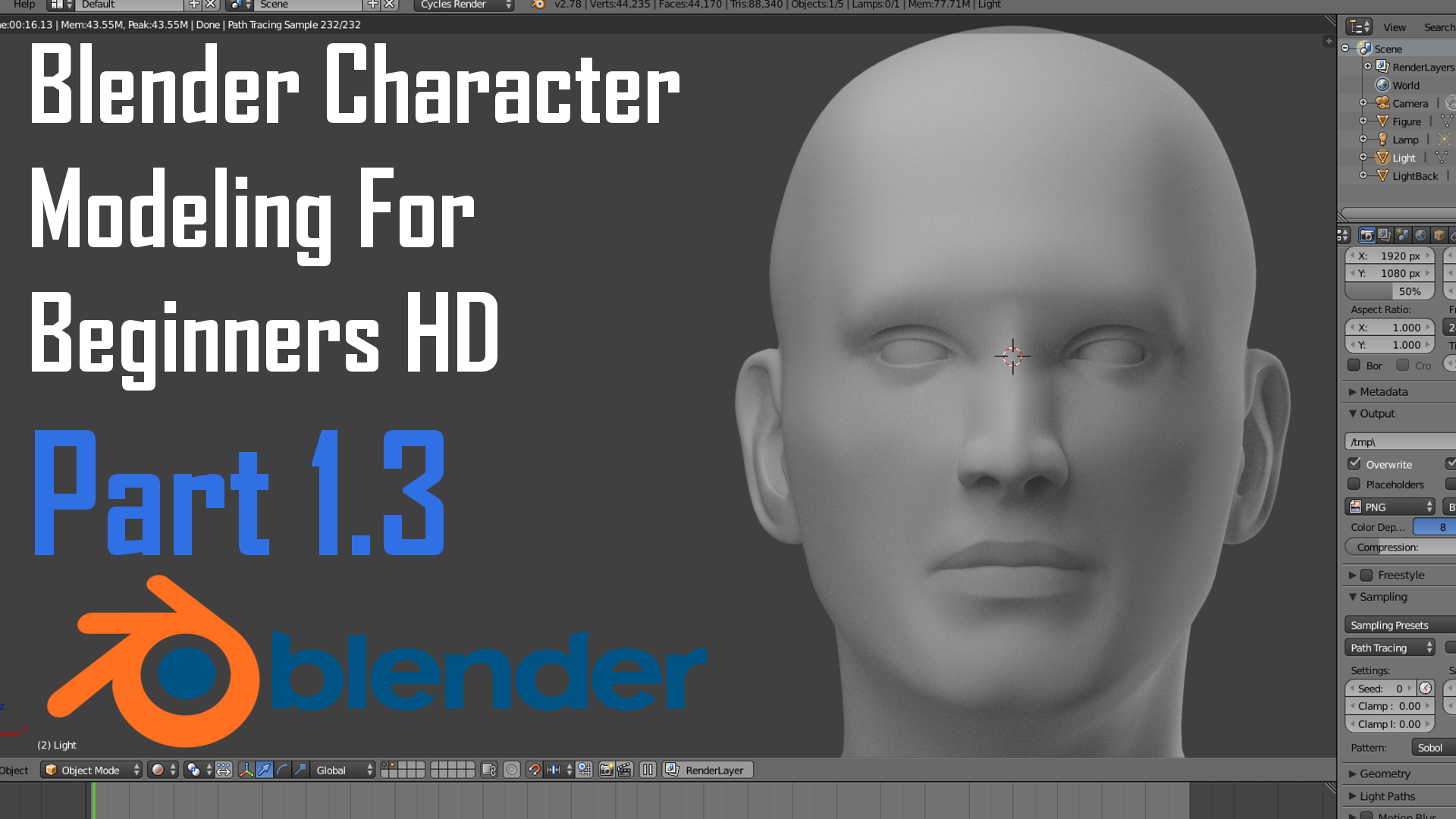
Blender Character Modeling Tutorial Beginner Guide
Introduction
Character modeling is an art involving the creation of characters, props and environments for the purpose of video games, movies, television shows, and other media. It is a complex process that requires a great deal of skill and patience. Fortunately, Blender is a powerful 3D modeling software that is free and open source, meaning that anyone can learn how to use it to create stunning character models. This Blender character modeling tutorial for beginners is designed to help you get started with the basics of character modeling in Blender.
Getting Started with Blender
Before you can begin creating your character models in Blender, you need to download and install the software. Blender is available for free on the official website, and can be installed on both Windows and Mac computers. Once you have installed Blender, you can open it and start exploring the interface. The interface may seem a bit overwhelming at first, but don’t be intimidated. With a little bit of practice and exploration, you will soon be comfortable navigating the menus and tools.
Creating the Base Mesh
The first step in creating a character model is creating the base mesh. This is the underlying 3D structure that will be used as the foundation for your character model. To create a base mesh, you can use the primitive objects that come with Blender, such as a cube, sphere, or cylinder. You can also use the “Add Mesh” option in the “Object” menu to create a custom base mesh. Once you have created your base mesh, you can use the “Edit Mode” tools to modify it and shape it into the basic form of your character.
Adding Details to the Mesh
Once you have created the basic shape of your character model, you can start adding more details to it. This can be done using various tools, such as the “Subdivision Surface” tool, which allows you to add more polygons to the mesh and make it smoother. You can also use the “Extrude” tool to create more complex shapes, or the “Smooth” tool to smooth out any imperfections in the mesh. With these tools, you can create a detailed character model that looks realistic and believable.
Texturing the Model
The next step in creating a character model is texturing it. This involves applying color or texture maps to the model to make it look more realistic. You can create your own textures in Blender, or you can use textures from other sources. Once you have applied the textures to your model, you can use the “UV Editor” to adjust the texture coordinates so that the texture is applied correctly.
Rigging and Animating the Model
The final step in creating a character model is rigging and animating it. Rigging is the process of creating a skeleton that can be used to animate the model. In Blender, you can use the “Armature” tool to create a skeleton that matches the shape of your character model. Once the skeleton is created, you can use the “Animation” tools to create animations that move the model in various ways. With the right techniques, you can create realistic and believable animations that will make your character model come to life.
Conclusion
Character modeling can be a daunting task, but with the right tools and techniques, it is a rewarding experience. This Blender character modeling tutorial for beginners has given you an overview of the process of creating a detailed character model in Blender. With a little bit of practice, you will soon be able to create stunning character models for any project.
