Best Software For Stl Files
Sunday, December 15, 2024
Edit
Best Software for STL Files
What is an STL File?
STL files are a type of 3D model file commonly used in 3D printing. STL stands for “stereolithography” and is the standard file type created by CAD (computer-aided design) software. The file format is widely used in 3D printing, and is supported by almost all professional 3D printing software. STL files are most commonly used for 3D printing, but they can also be used for other purposes such as 3D rendering, animation, and 3D modeling.
What are the Benefits of STL Files?
STL files have several benefits, including their small file size, compatibility with many 3D printing software programs, and their ability to accurately represent complex 3D models. STL files are much smaller than other 3D file formats, making them easier to store and share. They are also easy to export from most CAD software programs, making it easy to transfer 3D models from one program to another. The small file size also makes them ideal for 3D printing, as they can be quickly uploaded to a 3D printer.
What are the Different Types of STL Files?
STL files come in two different types: ASCII and binary. ASCII files are plain text files that are human-readable and can be edited in any text editor. Binary files are much smaller in size, but are not easily edited, as they are encoded in a binary format. Binary files are the most commonly used type of STL file, as they are the most efficient for 3D printing.
Which Software is Best for STL Files?
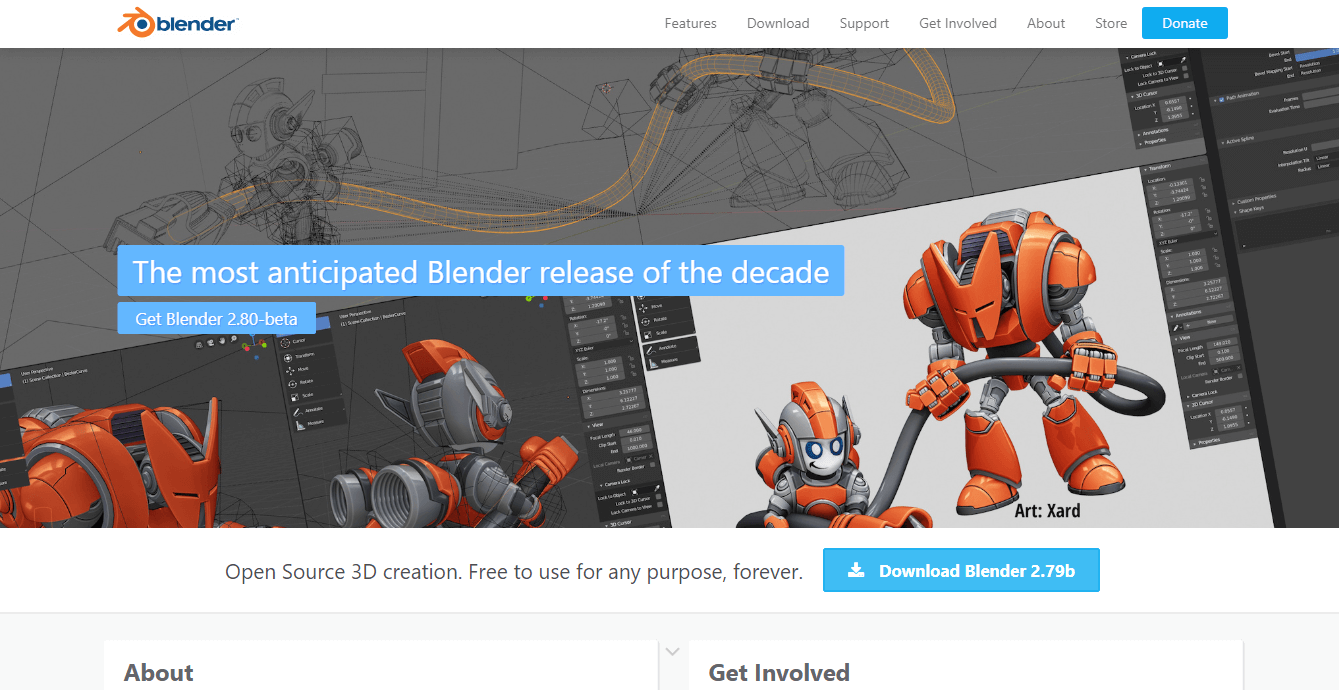
When it comes to choosing the best software for STL files, there are many options to choose from. Some of the most popular software programs include Autodesk Fusion 360, Cura, Meshmixer, and Blender. Autodesk Fusion 360 is a powerful 3D CAD software that allows users to create, edit, and export STL files. Cura is a free 3D printing software that is easy to use and allows users to easily export STL files. Meshmixer is a free 3D modeling program that offers powerful tools for creating 3D models from STL files. Blender is a free, open source 3D modeling program that is used for creating 3D models from STL files.
What are the Best Practices for Working with STL Files?
When working with STL files, it is important to follow best practices to ensure that the 3D model is accurate and will print correctly. It is important to check the STL file for errors before printing, as errors can cause the file to fail to print correctly. It is also important to check the STL file size to ensure that it is not too large to be printed. Additionally, it is important to check that the 3D model is the right size and is properly scaled.
Conclusion
STL files are an essential part of 3D printing, and there are many software programs available to work with them. Autodesk Fusion 360, Cura, Meshmixer, and Blender are some of the most popular software programs for working with STL files. It is important to follow best practices when working with STL files, such as checking for errors and ensuring that the file size is not too large for the 3D printer. With the right software and best practices, anyone can create accurate 3D models from STL files.
