3ds Max Material Library File
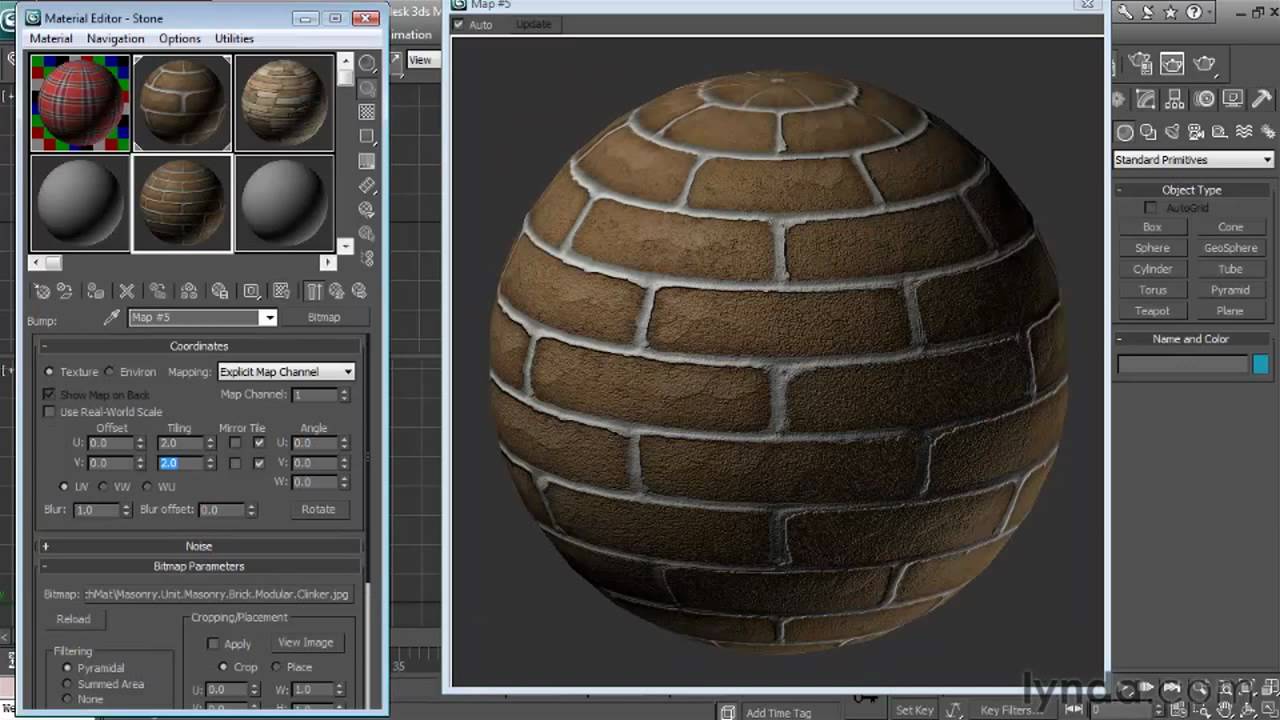
3ds Max Material Library File
3ds Max is a popular 3D modeling and animation program used by professionals in the entertainment industry to create amazing 3D characters and scenes. The program offers a variety of features and tools to help users create stunning 3D visuals. One of the features that 3ds Max offers is the Material Library, a repository of materials that can be used in the program. In this article, we’ll take a look at the Material Library and how it can be used in 3ds Max.
What is the Material Library?
The Material Library is a collection of materials that are available for use in 3ds Max. It contains a variety of different materials, from metals, plastics, and woods to more exotic materials such as fabric, leather, and stone. Each material is fully customizable with options for adjusting color, texture, and reflectivity. The library also includes a variety of preset materials that can be used as-is or modified to suit the user’s needs.
How to Access the Material Library
The Material Library can be accessed from the main menu bar in 3ds Max. From the top menu, select “Material/Map Browser”. This will open the Material Library window, where the user can browse through the library and select the desired material. The user can also search for a specific material by typing a keyword into the search field at the top of the window.
How to Use the Material Library
Once a material has been selected from the library, it can be applied to an object in the 3ds Max scene. To do this, select the object and then select the material from the library. The material will then be applied to the object, and the user can then adjust the material settings to get the desired look. The user can also save the material for later use by selecting the “Save Material” option from the library window.
Additional Material Libraries
In addition to the library that is included with 3ds Max, there are a number of additional material libraries available for purchase. These libraries include materials from a variety of different manufacturers, such as Arnold, V-Ray, and Corona. These libraries can be a great resource for users who need access to a wider range of materials for their projects.
Conclusion
The Material Library in 3ds Max is a great resource for creating stunning 3D visuals. It offers a variety of materials that can be used to create a wide range of different looks. Additionally, there are a number of additional material libraries available for purchase, giving users access to an even wider range of options. By taking advantage of the Material Library, users can create amazing 3D visuals with ease.
