3d Modeling For Unreal Engine 4
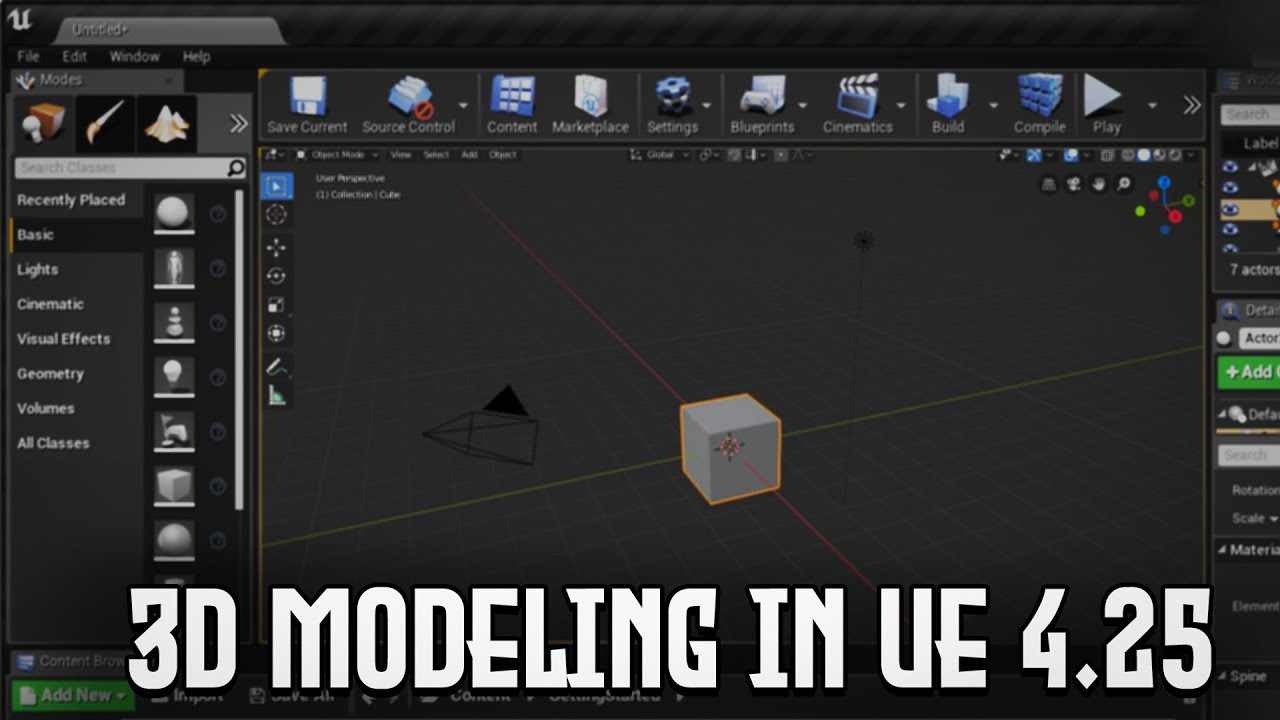
3D Modeling For Unreal Engine 4
Unreal Engine 4 (UE4) is a powerful game engine developed by Epic Games. It is used to create games for a variety of platforms including PC, consoles, and mobile devices. UE4 is renowned for its stunning visuals and realism, and has become the engine of choice for many game developers. UE4 also has powerful tools for creating 3D models and animations, and these can be used to create amazing 3D assets for your game.
Creating 3D Models in UE4
Creating 3D models in UE4 is relatively easy and straightforward. The most common way is to use a modeling program such as 3ds Max or Maya. You can create your model in these programs, and then import it into UE4. Alternately, you can use UE4’s built-in modeling tools to create your models directly in the engine.
Importing 3D Models
Once you have created your model in a 3D modeling program, you can import it into UE4. UE4 supports a wide variety of 3D model formats, including FBX, OBJ, and DAE. To import a 3D model, simply go to the Content Browser, select the “Add New” button, and then choose the “Import” option. From there, you can select the file you want to import and choose the settings for how it will be imported.
Using UE4’s Modeling Tools
UE4 also has a set of built-in modeling tools that you can use to create 3D models directly in the engine. These tools include a basic set of primitive shapes such as cubes, cylinders, and spheres, as well as a variety of other tools for creating more complex models. The modeling tools in UE4 are relatively simple, but they can be used to create some interesting 3D assets for your game.
Using Materials and Textures
Once your model is imported or created, you can add materials and textures to it. Materials are used to define the look and feel of the model, and textures are used to add detail and realism. UE4 has a powerful material editor that you can use to create some truly stunning materials and textures. You can also use a variety of textures, such as normal maps and ambient occlusion maps, to add more detail and realism to your models.
Animating 3D Models
UE4 also has powerful tools for animating 3D models. You can use the Animation Blueprint system to create animations for your models, or you can use a third-party animation program such as MotionBuilder or Mixamo to create animations and import them into UE4. Once your animations are imported, you can use UE4’s animation editor to tweak and refine them.
Conclusion
Creating 3D models and animations for UE4 is relatively easy and straightforward. With the right tools and knowledge, you can create some amazing 3D assets for your game. Whether you choose to use a 3D modeling program or the built-in modeling tools in UE4, you can create some stunning 3D models and animations for your game.
