How To Convert C4d To Obj
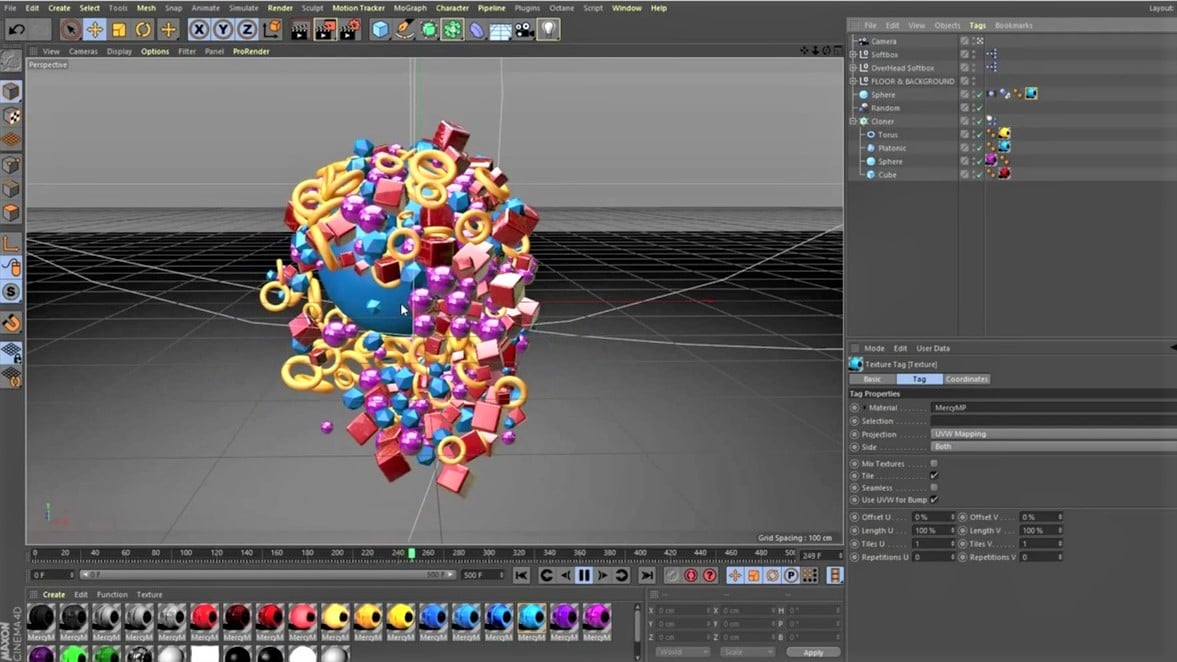
How To Convert C4d To Obj?
Most 3D artists have encountered the problem of having to convert a file format from one to another. This is especially true when it comes to 3D models and scenes, as there are many different file formats available. The most popular 3D file formats are OBJ, C4D, FBX and Collada. In this article, we will focus on how to convert C4d to Obj.
What is C4D?
C4D is a 3D modeling and animation software created by Maxon. It is mostly used for creating 3D models, animations, and scenes. C4D supports a wide range of file formats, including OBJ, FBX, and Collada. However, if you want to use a model in another 3D software, you may need to convert it to a different file format.
What is OBJ?
OBJ is a 3D file format that was developed by Wavefront Technologies. It is mostly used for storing 3D models and scenes. OBJ is a popular format that is supported by many 3D applications such as Blender, Maya, and 3ds Max. OBJ files can also be imported into other 3D software, such as Unity and Unreal Engine.
How To Convert C4D To Obj?
Converting C4D to OBJ is relatively straightforward. First, open the C4D file in the program. Then, select the object you want to export and click “File” > “Export”. In the Export window, select “OBJ” from the drop-down menu and click “Export”. You can also enable the “Export Normals” option if you want the model to have smooth surfaces.
Using A Third-Party Converter
If you want a more automated solution, you can use a third-party converter to convert your C4D files to OBJ. There are many converter programs available, both free and paid. Most of these converters will batch convert multiple files at once and will produce high-quality results. Some of the most popular converters are Filezigzag, Convertio, and Zamzar.
Conclusion
Converting C4D to OBJ is a simple process that can be done in a few steps. You can use the built-in export option in Maxon Cinema 4D or use a third-party converter. Both methods are fast and easy to use, and will produce high-quality results. Once you have your OBJ file, you can import it into other 3D applications and use it in your projects.
