Game Character Modeling And Animation With 3ds Max
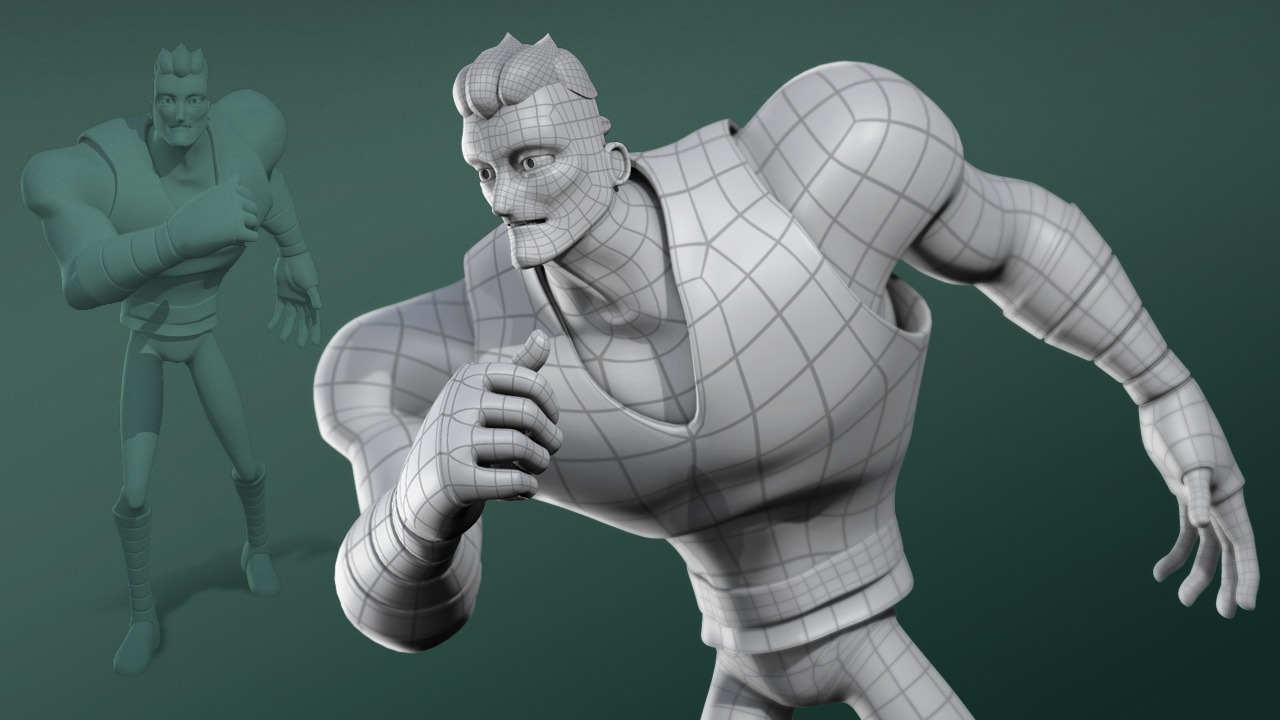
Game Character Modeling And Animation With 3ds Max
Introduction
3ds Max is a powerful 3D modeling and animation software used to create amazing 3D graphics and animations. It is one of the most widely used tools in the game industry, used by game developers and animators to create stunning game characters and animations. This tutorial will guide you through the basics of creating a game character in 3ds Max and how to animate it.
Getting Started
Before you begin creating your game character in 3ds Max, you need to make sure you have the necessary software. 3ds Max can be downloaded from the Autodesk website and comes with a free trial version. Once you have downloaded and installed 3ds Max, you are ready to start creating your game character.
Character Modeling
The first step in creating a game character is to create the 3D model. This is done using the modeling tools in 3ds Max. You can use polygon modeling, spline modeling, and NURBS modeling to create your character. You can also use 3D scans and digital sculpting to create more detailed characters. Once your character is modeled, you can add color, textures, and materials to give it a realistic look.
Character Rigging
Once your character is modeled, you need to create a skeleton for it. This is done using the rigging tools in 3ds Max. You can create a basic skeleton using bones, or you can use the Character Studio plugin to create a more advanced skeleton. Once your character has a skeleton, you can attach the mesh of the character to it, allowing you to animate the character.
Character Animation
Once your character is rigged, you can start animating it. 3ds Max has a variety of animation tools that allow you to create realistic movements for your character. You can create keyframes, use motion capture data, or use the IK rigging system to animate your character. Once your character is animated, you can render it to create an animation sequence.
Finalizing Your Character
Once your character is animated, you can make any final adjustments to it. You can adjust the lighting, add special effects, and render the animation to create a final version of your character. You can also create a game engine-ready version of your character, which can be exported and used in a game engine.
Conclusion
Creating a game character in 3ds Max is a fun and rewarding experience. Once you understand the basics of character modeling, rigging, and animation, you can create realistic game characters and animations with ease. With 3ds Max, you can create stunning game characters and animations that can be used in any game engine.
