How To Make A 3d Model For A Video Game
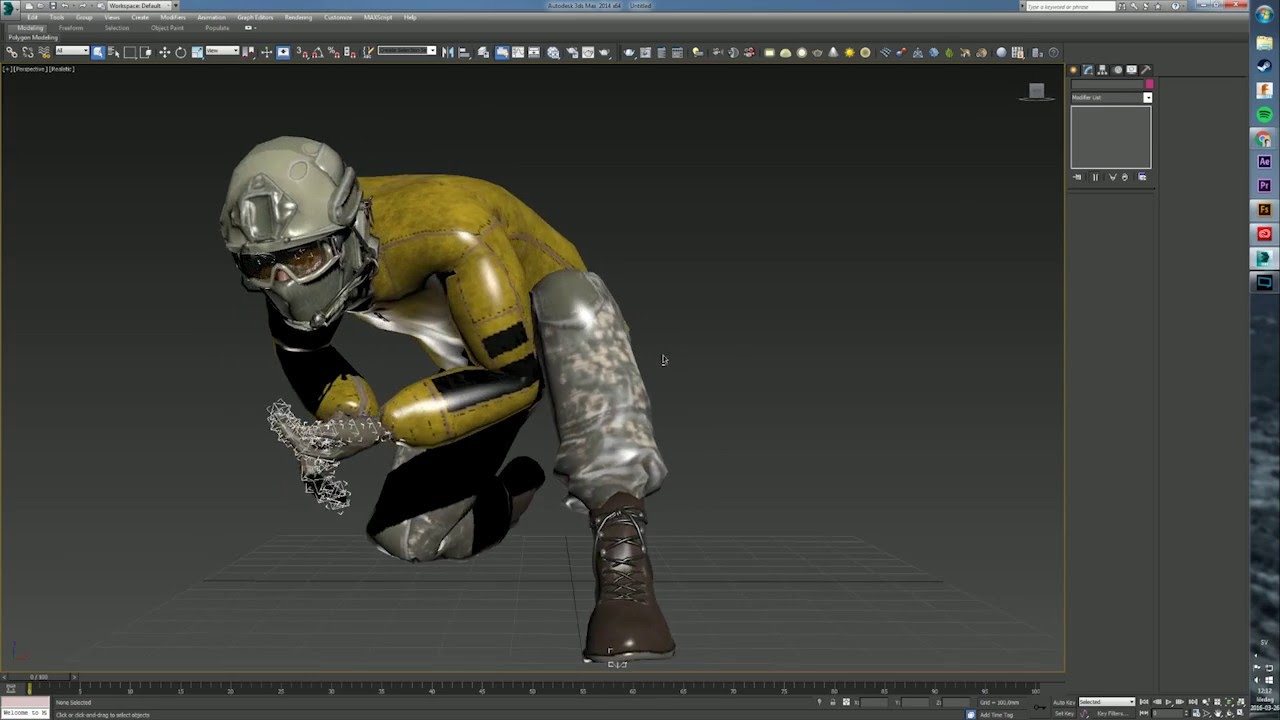
How To Make A 3d Model For A Video Game
Introduction
Video games have been around for decades, but the technology behind them is always advancing. As game technology advances, so does the need for more detailed and realistic 3D models. With the right tools, anyone can learn how to make 3D models for video games. In this tutorial, we’ll explore the basics of 3D modeling, from selecting the right software to creating and optimizing your models. By the end, you’ll have a better understanding of the 3D modeling process and be able to create your own 3D models for video games.
Choose the Right 3D Modeling Software
The first step in creating a 3D model for a video game is to select the right 3D modeling software. There are many options available, but the most popular and widely used is Autodesk Maya. Maya is a powerful 3D modeling and animation software used by professional game developers and studios. It is relatively easy to learn and use and has a wide range of features and tools. Other popular 3D modeling software includes Blender, ZBrush, and Modo. Each has its own strengths and weaknesses, so choose the one that best suits your needs.
Create a 3D Model
Once you have chosen a 3D modeling software, the next step is to actually create a 3D model. This process involves creating shapes and forms that will eventually become the 3D model. Depending on the software you are using, this can be done in many different ways. Most 3D modeling software has basic modeling tools such as primitives, splines, and polygons. These tools can be used to create shapes and forms that can then be manipulated and combined to create the 3D model. In addition, most 3D modeling software also has specialized tools such as sculpting and texturing tools that can be used to further refine the 3D model.
Optimize the 3D Model
Once the 3D model has been created, the next step is to optimize it for use in a video game. This means making sure that the 3D model is optimized for performance and looks good when rendered. To do this, you will need to apply textures and materials to the 3D model. Textures are images that are applied to the 3D model to give it a more realistic look. Materials are used to control how light interacts with the 3D model, which can make it look more realistic. In addition, you will also need to make sure that the 3D model is optimized for performance. This means making sure that the 3D model is not too complex and is optimized for use in a video game engine.
Test the 3D Model
Once the 3D model has been optimized, the next step is to test it. This is done by importing the 3D model into a game engine and seeing how it looks and performs. If the 3D model performs poorly or looks bad, you may need to go back and optimize it further. It is also a good idea to test the 3D model in different lighting conditions and with different materials to make sure it looks good in all situations.
Conclusion
Creating 3D models for video games is a complex process, but it can be done with the right tools and knowledge. In this tutorial, we explored the basics of 3D modeling, from selecting the right software to creating and optimizing the 3D model. We also discussed how to test the 3D model to make sure it looks and performs as expected. By following these steps, you should be able to create your own 3D models for video games.
