How To Make 3d Character Models For Unity
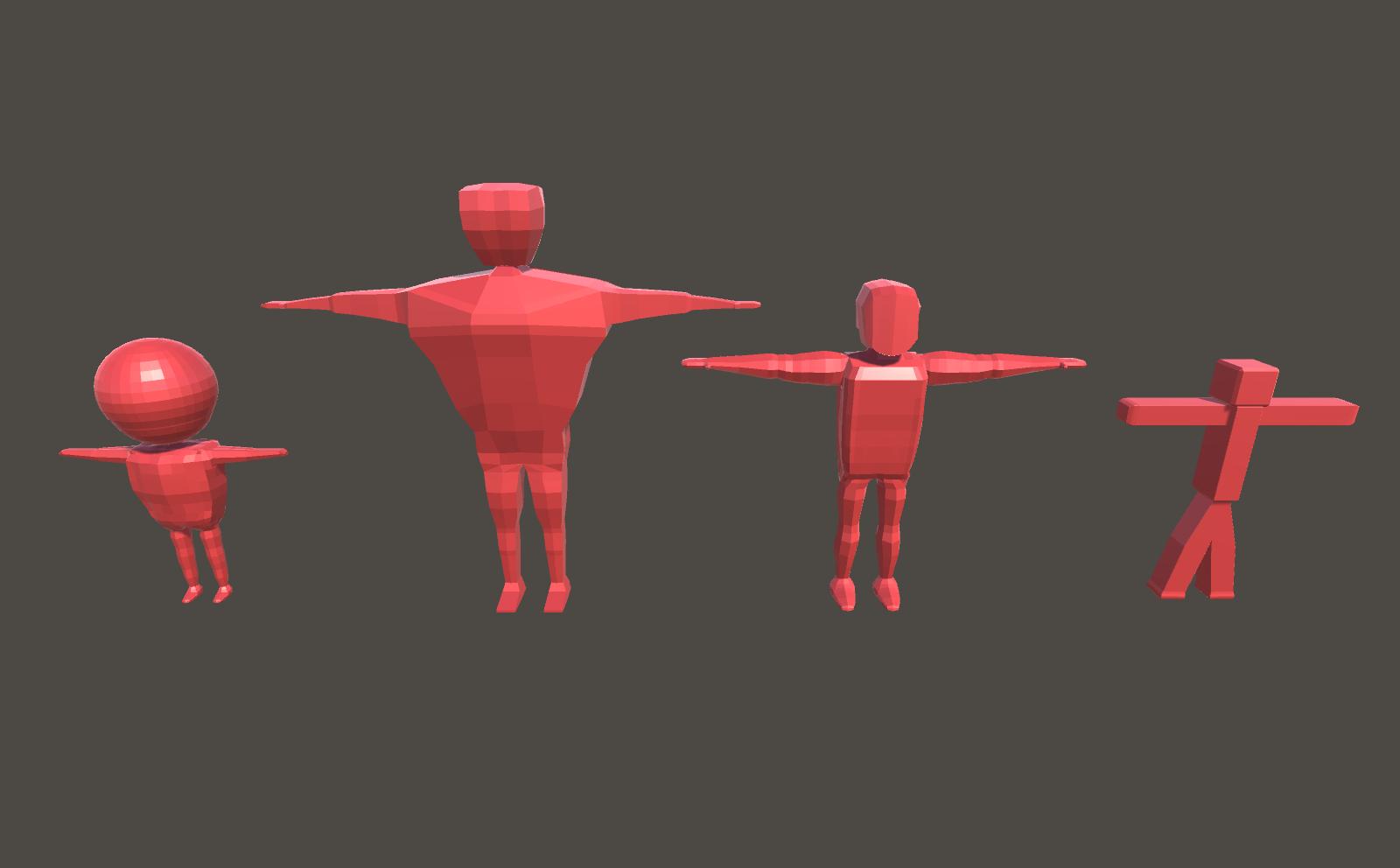
How To Make 3d Character Models For Unity
Introduction
Making 3D character models for Unity is an exciting and enjoyable process. With the right tools and techniques, you can create a variety of characters and objects that will really bring your game to life. This tutorial will teach you the basics of creating and manipulating 3D character models for use in Unity. We will cover the fundamentals of 3D modeling, how to create and texture your models, and how to export and import them into Unity.
3D Modeling
The first step in creating a 3D character model for Unity is to create the model itself. There are several popular 3D modeling software programs available such as Blender, 3DS Max, and Maya. All of these programs have a wide range of features and tools that you can use to create your model. If you are new to 3D modeling, it is best to start with a simple program such as Blender. Blender is free and relatively easy to learn, making it a great place to start your 3D modeling journey.
Modeling Techniques
Once you have chosen a program, you can begin to create your model. There are a few basic techniques you should learn in order to create the best possible model. First, you should learn how to use the basic primitives such as cubes, spheres, and cylinders to create your base model. This is the foundation that you will build upon. Next, you should learn how to use the sculpting and extruding tools to add details to your model. Finally, you should learn how to use the subdivision and smoothing tools to give your model a more organic and realistic look.
Texturing
Once you have created your 3D model, the next step is to texture it. This is the process of adding colors, patterns, and other details to your model to give it a more realistic look. You can use a variety of textures to achieve different looks, such as metal, wood, cloth, and more. You can also use bump and normal maps to add more visual interest to your model. Once you have textured your model, it is ready to be exported and imported into Unity.
Exporting and Importing
The last step in the process is to export your model from your 3D software and import it into Unity. Unity supports many different 3D file formats, such as FBX, OBJ, and DAE. Once you have exported your model, you can import it into Unity by going to the Asset menu and selecting the “Import” option. You can then drag and drop your model into the scene and start using it in your game.
Conclusion
Creating 3D character models for Unity is a fun and rewarding process. With the right tools and techniques, you can create amazing characters and objects that will bring your game to life. By following the steps outlined in this tutorial, you can create your own 3D character models for use in Unity. Good luck, and have fun creating!
