How To Create 3d Characters For Unity
Wednesday, November 8, 2023
Edit
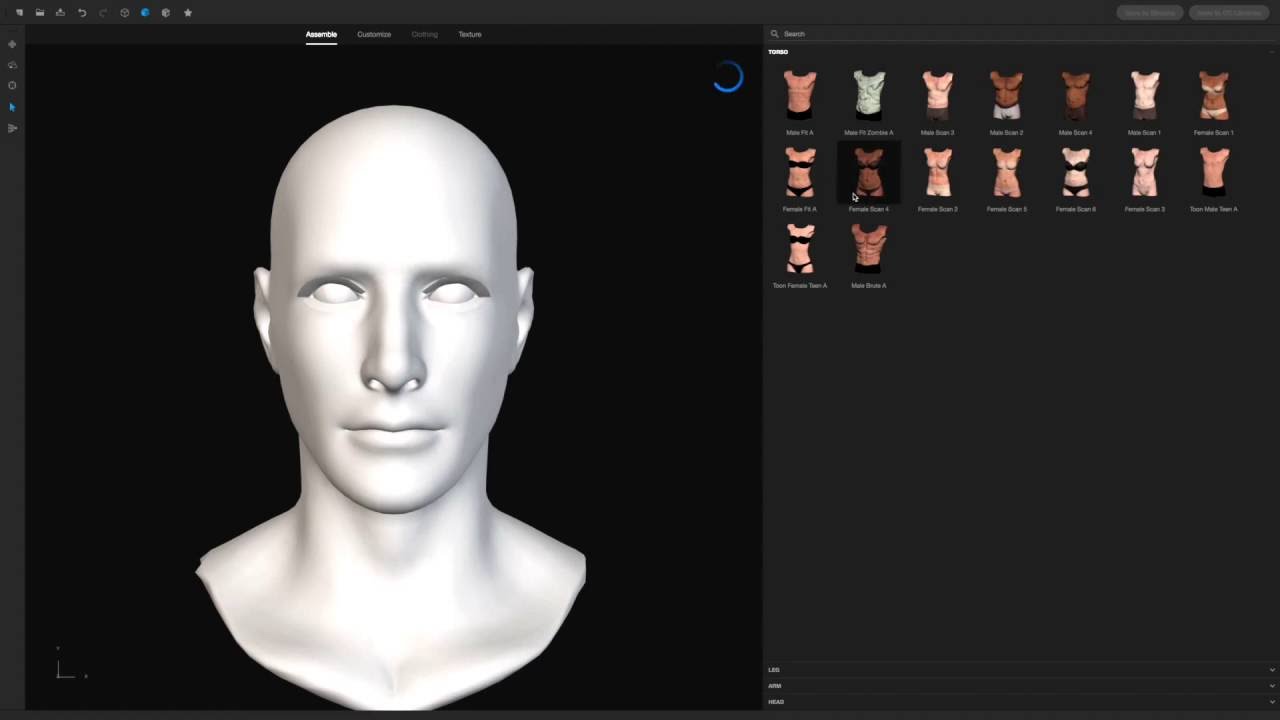
How to Create 3D Characters for Unity
Introduction
Creating 3D characters for Unity can be a daunting task for many beginners. Even for experienced 3D artists, it can be difficult to learn the software and techniques needed to create high-quality 3D assets for use in Unity. Fortunately, there are a variety of resources available to help you get started. This tutorial will show you how to create 3D characters for Unity, from start to finish.
Choose the Right Tools
The first step in creating 3D characters for Unity is to choose the right tools. There are a variety of 3D modeling programs available, including Autodesk Maya, 3ds Max, Blender, and ZBrush. Each of these programs has its own strengths and weaknesses, so it's important to choose the one that best suits your needs. For instance, if you don't need to create a very detailed character, then Blender may be the best option. On the other hand, if you need to create highly detailed characters, then ZBrush may be the best choice.
Create the Base Mesh
Once you've chosen the right 3D modeling software, the next step is to create the base mesh. The base mesh is the starting point for your character, and it's important to get it right. Start by creating a simple body shape, like a sphere or cube, and then refine it until you have the desired shape. Once you're happy with the shape, you can add details like eyes, nose, mouth, hair, and so on. Make sure to keep the polygons evenly distributed, as this will help make the animation process smoother.
Texture the Character
Once the base mesh is complete, it's time to texture the character. You can create textures either manually or with a texturing program like Substance Painter. If you're doing manual texturing, start by creating a basic color map, which will give the character a base color. Then, you can add details like wrinkles, scars, and other features that will make the character look more realistic. If you're using a texturing program, you'll have more options, such as adding bump maps, normal maps, and specular maps.
Rigging and Animating the Character
The next step is to rig and animate the character. Rigging is the process of adding bones and joints to the character, which will allow you to create animations. Once the character is rigged, you can start animating it. For simple animations, you can use a program like Unity's Mecanim system. For more complex animations, you may need to use a 3rd-party program like MotionBuilder or Maya.
Integrate the Character into Unity
Once the character is rigged and animated, it's time to integrate it into Unity. To do this, you'll need to create a prefab, which is a template that can be used to quickly create objects in Unity. Then, you'll need to add the character to the scene and set up the lighting and other elements. Finally, you'll need to adjust the character's settings, such as its speed and other attributes.
Conclusion
Creating 3D characters for Unity can be a daunting task, but it doesn't have to be. With the right tools and techniques, anyone can create high-quality 3D characters for use in Unity. This tutorial has shown you how to create 3D characters for Unity, from start to finish. By following the steps outlined in this tutorial, you'll be able to create 3D characters for Unity in no time.
