Low Poly Game Character Blender
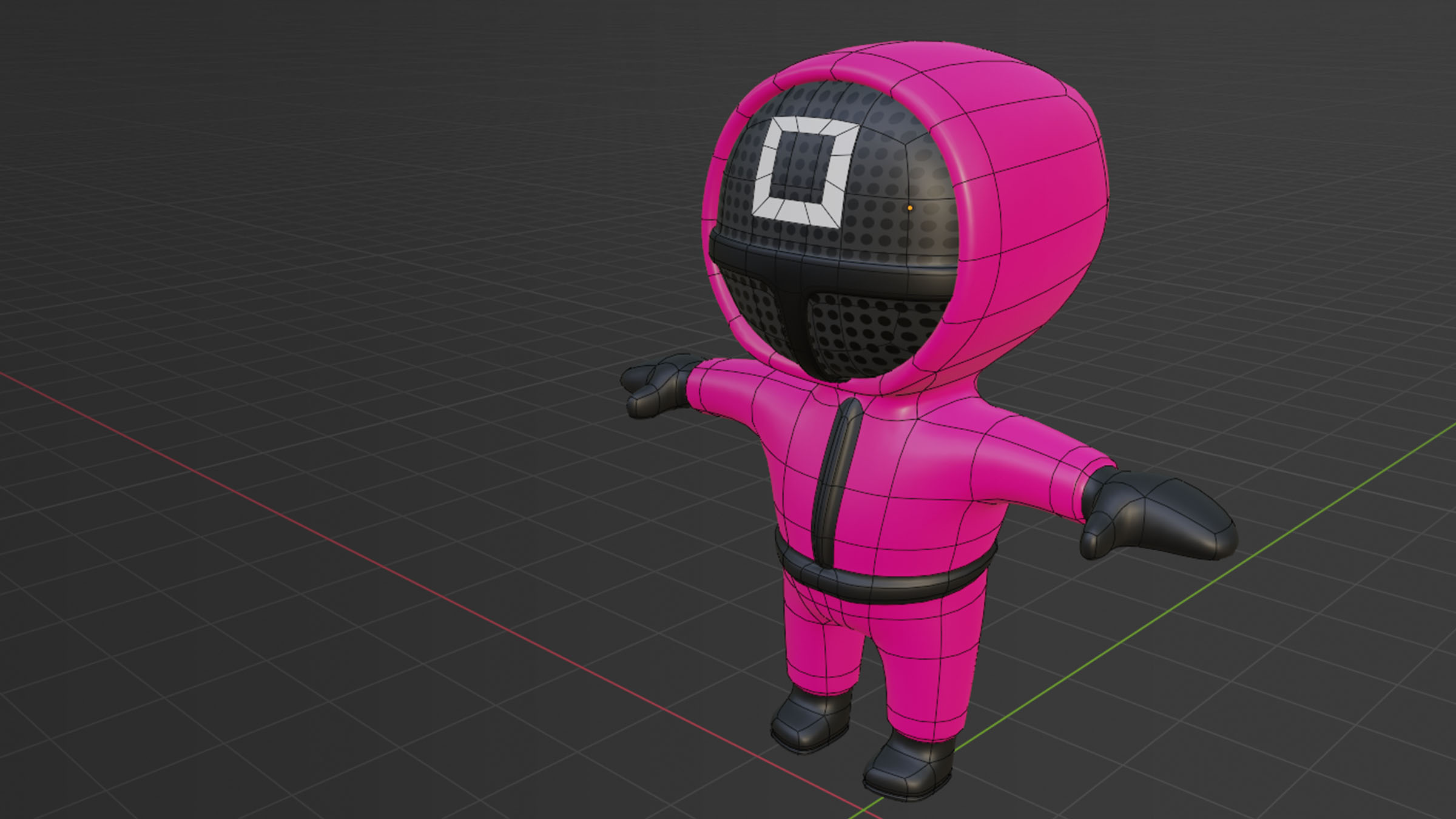
Creating Low Poly Game Character Using Blender
Introduction
Low poly is a type of polygon mesh in 3D computer graphics with a relatively small number of polygons. This makes low poly models simpler and less detailed than high poly models, which can have thousands of polygons. Low poly models are often used in video games and other real-time applications because they are faster to render and require less memory. Blender is a free and open-source 3D modeling program that is widely used for creating 3D models, animations, and visual effects. In this tutorial, we will be creating a low poly game character using Blender.
Creating the Model
The first step is to create the model. Start by creating the basic shape of your character. You can do this by adding a cube and scaling it to the size you want. Then you can use the move, rotate, and scale tools to adjust the shape. You can also use the subdivision surface modifier to add more detail. Once you are satisfied with the shape, you can start adding details like eyes, nose, and mouth using the sculpting tools.
Adding Textures
Once you have the model finished, the next step is to add textures. Blender supports a wide range of texture formats, including JPG, PNG, and TGA. You can use these textures to add color and detail to your model. You can also use the UV editing tools to adjust the position and scale of the textures. Once you are satisfied with the results, you can save the textures and apply them to your model.
Adding Materials
Materials are used to give the model a more realistic look. Blender supports a wide range of materials, including metals, plastics, and fabrics. You can use the material nodes to adjust the color, specularity, and other properties of the materials. You can also use the texture nodes to add texture maps like normal maps and displacement maps. Once you are satisfied with the materials, you can save them and apply them to your model.
Rigging and Animation
The next step is to rig and animate the model. You can use the rigify tool to quickly create a rig for your character. Once the rig is created, you can use the animation tools to add keyframes and adjust the pose. You can also use the particle system to add effects like smoke or fire. Once you are satisfied with the animation, you can save the animation and export it as an animation file.
Rendering the Model
The final step is to render the model. Blender supports a wide range of rendering options, including ray tracing and path tracing. You can use the render settings to adjust the quality and resolution of the render. Once you are satisfied with the results, you can save the render and export it as an image file.
Conclusion
Creating a low poly game character using Blender is a relatively easy process. With the right tools and techniques, you can quickly create a unique and detailed character. From creating the basic shape to adding materials and textures, Blender provides a wide range of tools and features to help you create stunning 3D models. So why not give it a try and see what you can create?
