Blender Cartoon Character Modeling Tutorial
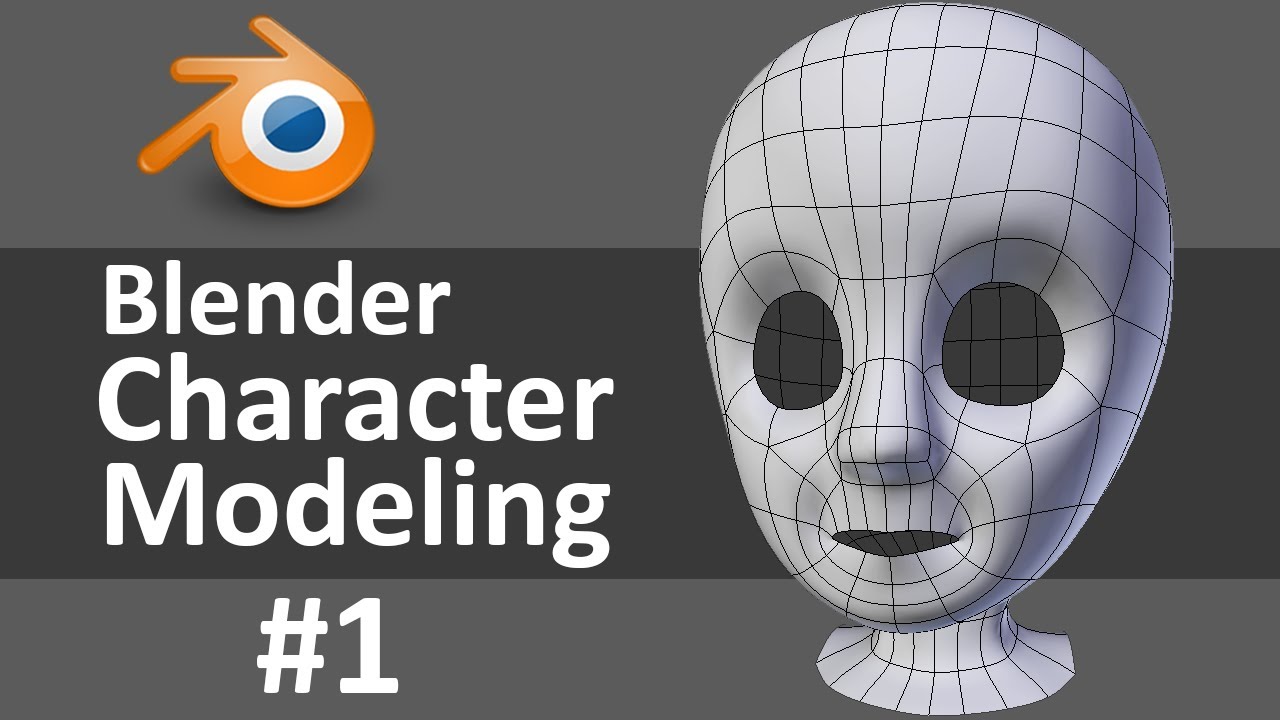
Modeling Cartoon Characters in Blender
If you’re a 3D artist looking for an easy and fun way to create cartoon characters, then Blender is the perfect program for you! Blender is a powerful 3D modeling and animation software that is free to download, making it a great choice for those who are just learning 3D art. With its intuitive interface, you can quickly create a variety of characters in no time. This tutorial will teach you how to model cartoon characters in Blender, so let’s get started!
Step 1: Planning Your Character
Before you begin modeling your cartoon character, it is important to plan out the design. Think about the shape of the head, body, arms, and legs. Consider the character’s personality and the environment in which the character will be placed. You may also want to draw a few sketches of the character to give you a better idea of what you want to create. This will help you visualize the character and make it easier to model.
Step 2: Setting Up the Scene
Now that you have a plan for your character, it’s time to set up the scene. In Blender, you can create a 3D environment for your character to occupy. Start by creating a cube and a plane. The cube will be used to create the character’s body and the plane will be used as the ground. You can also add a light source to the scene to make it easier to see your character.
Step 3: Modeling the Body
Once you have your scene set up, you can begin modeling the body. Start by adding a subdivision surface modifier to the cube. This will allow you to adjust the shape of the cube to create the shape of the character’s body. You can also use the sculpting tools in Blender to further adjust the shape of the body. Once you have the basic shape of the body, you can add more details to it, such as clothing and hair.
Step 4: Modeling the Head
The next step is to model the head. Start by adding a cube and using the subdivision surface modifier to adjust the shape. You can use the sculpting tools to add more details, such as eyes, nose, and mouth. Once you have the basic shape of the head, you can add more details, such as hair, ears, and facial expressions.
Step 5: Modeling the Arms and Legs
The next step is to model the arms and legs. Start by adding cubes for the arms and legs and using the subdivision surface modifier to adjust their shapes. You can also use the sculpting tools to add more details, such as hands, feet, and clothing. Once you have the basic shape of the arms and legs, you can add more details, such as muscles and clothing.
Step 6: Final Touches
Once you have the basic shape of the character modeled, it’s time to add the final touches. Use the sculpting tools to adjust the shape of the character and make it look more detailed. You can also add textures and materials to the character to make it look more realistic. Finally, you can use the animation tools in Blender to bring your character to life.
Conclusion
Modeling cartoon characters in Blender is a great way to bring your ideas to life. With its intuitive interface and powerful tools, you can quickly create a variety of characters in no time. This tutorial showed you how to model cartoon characters in Blender, from planning the design to adding the final touches. Now it’s time to get creative and start creating your own cartoon characters!
