How To Download 3d Models From Turbosquid For Free
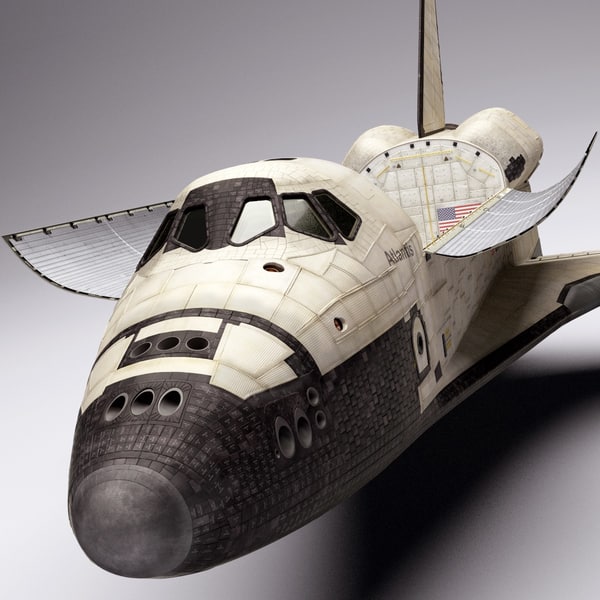
How To Download 3d Models From Turbosquid For Free
Introduction
In the field of 3D modeling and graphics, Turbosquid is a well-known and popular marketplace for 3D models, textures, and other such graphics-related items. It is one of the most visited sites for 3D modelers and designers, as it offers a wide range of options for downloading 3D models for free. In this tutorial, we will discuss the steps to download 3D models from Turbosquid for free.
Step 1: Create an Account
The first step towards downloading 3D models from Turbosquid is to create a free account on the site. This will enable you to access the vast library of 3D models available on the site. To create an account, go to the homepage of Turbosquid and click on the “Sign Up” button at the top right corner of the page. On the next page, you will be asked to enter your name, email address and a password. After filling in the details, click on the “Create Account” button at the bottom of the page.
Step 2: Find the Free 3D Models
Now that you have created your account, you can start searching for the free 3D models on the site. To do this, go to the homepage and click on the “Free” tab at the top of the page. This will take you to the page containing all the free 3D models available on the site. You can use the search bar at the top of the page to find the models based on their type, category, or keywords.
Step 3: Download the 3D Models
Once you have found the 3D model you want to download, click on the download button to start the download. You will be asked to select the file format of the model that you want to download. Select the format that is compatible with the software you will be using to open the model. After selecting the format, click on the “Download” button at the bottom of the page and the download will begin.
Step 4: Unzip the File
Once the download is complete, you need to unzip the file. To do this, right-click on the file and select “Extract All”. Then, select the folder where you want to save the extracted files and click on the “Extract” button. The files will be extracted and saved in the selected folder.
Step 5: Open the 3D Model
After you have extracted the files, you can open the 3D model in the software of your choice. Most 3D modeling software supports the common file formats like OBJ, FBX, STL, etc. Simply open the file in the software and you can start editing and manipulating the 3D model.
Conclusion
In this tutorial, we discussed the steps to download 3D models from Turbosquid for free. The process is quite simple and straightforward. You just need to create an account on the site, find the free 3D models, download them, unzip the file, and open the 3D model in the software of your choice. With this, we come to the end of this tutorial. We hope that you found it helpful and informative.
