Fixing Stl Files For 3d Printing
Sunday, September 24, 2023
Edit
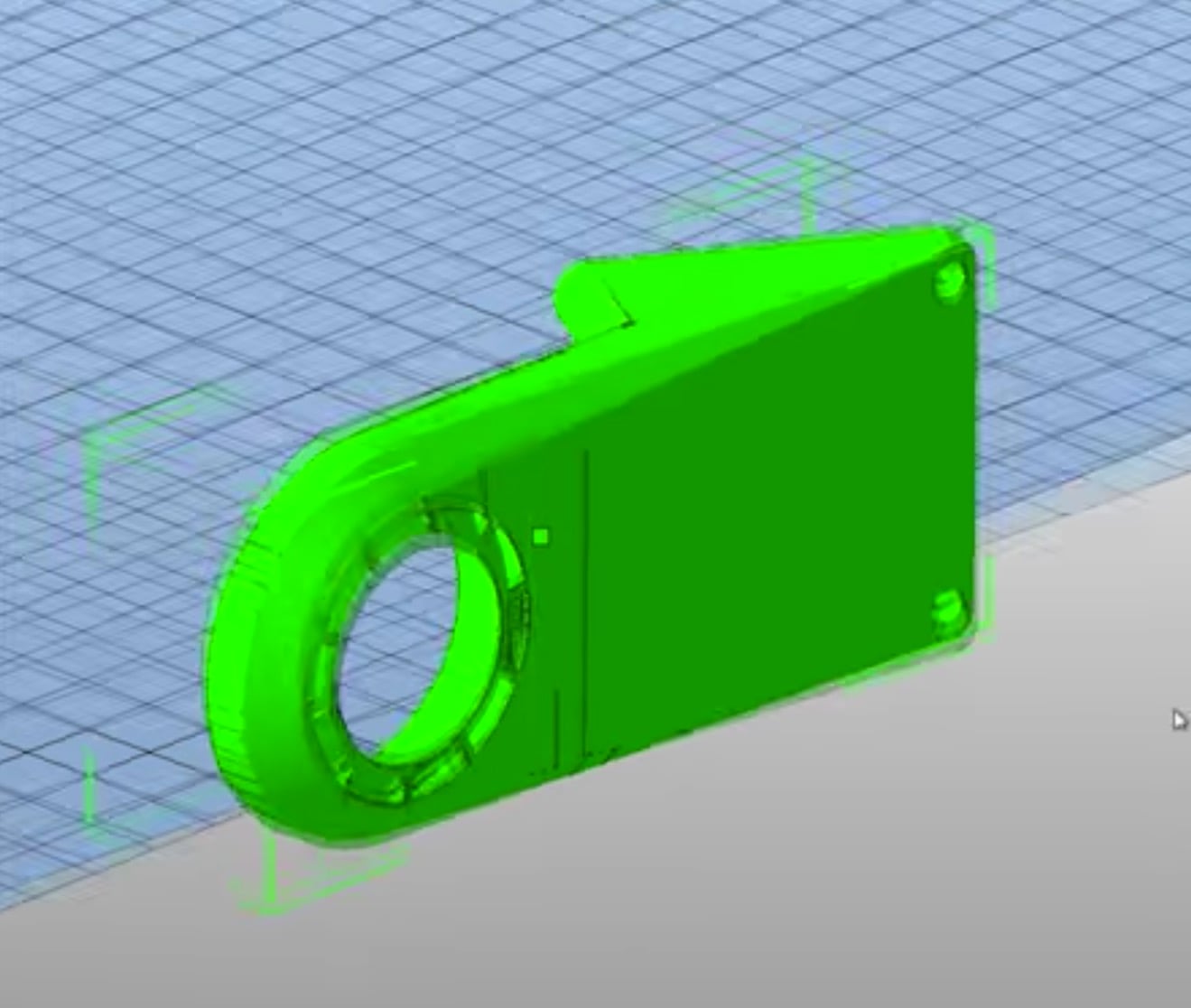
Fixing STL Files For 3D Printing
What is an STL file?
An STL (Standard Triangle Language or STereoLithography) file is a file type that is used in 3D printing. It is a CAD (Computer-Aided Design) file type that contains a 3D object. The object is made up of triangles that are connected by their vertices and edges. The STL file contains all the information needed to create a 3D object. This includes the size, shape, and details of the object.
The STL file is the most commonly used file type for 3D printing. This is because it is a standard format that is supported by almost all 3D printers. It is also the easiest file type to use and create. The STL file is used in 3D printing to create a physical object from a digital design.
Why do STL files need to be fixed?
Sometimes, an STL file may need to be fixed before it can be successfully 3D printed. This is because the file may contain errors that will prevent it from being successfully printed. These errors can be caused by a number of different things, such as a faulty CAD design, a corrupted file, or an incorrect setting in the 3D printing software.
When an STL file is fixed, it means that these errors have been corrected and the file is ready to be successfully 3D printed. The fixing process can be done manually or with the help of a 3D printing software. The manual process involves inspecting the file for errors and correcting them manually. The software process involves using a 3D printing software to automatically detect and correct errors in the file.
How to fix STL files manually
The manual process of fixing STL files involves inspecting the file for any errors and then correcting them. This process can be time consuming but it is the most accurate way to fix an STL file.
The first step in the manual process is to inspect the file for any errors. The most common errors that can be found in an STL file are holes, missing faces, and inverted normals. Holes are gaps between two faces that should be connected. Missing faces are faces that are missing from the object. Inverted normals are when the orientation of the face is reversed.
Once any errors have been identified, they can be fixed. This can be done by manually editing the file with a CAD program. The process involves selecting the faces that need to be fixed and then adjusting the vertices or edges to correct the errors. It is important to take your time when manually fixing an STL file to ensure that the errors are corrected properly.
How to fix STL files with software
The software process of fixing STL files involves using a 3D printing software to automatically detect and correct errors in the file. This process is much faster and easier than the manual process but it is not as accurate.
To use the software process, the STL file needs to be imported into the 3D printing software. The software will then automatically detect any errors in the file. Once the errors have been identified, they can be fixed with a few clicks. The software will automatically adjust the vertices and edges to correct the errors.
Conclusion
Fixing STL files is an important step in 3D printing. It is necessary to ensure that the file is free of errors before it can be successfully printed. There are two ways to fix an STL file, the manual process and the software process. The manual process involves inspecting the file for errors and then correcting them manually. The software process involves using a 3D printing software to automatically detect and correct errors in the file.
Whichever process you choose, it is important to take your time and make sure that the errors are corrected properly. A correctly fixed STL file will ensure that the 3D print is successful and the object looks exactly as it was intended.
