Polygon And Sub D Modeling Workflows In Maya
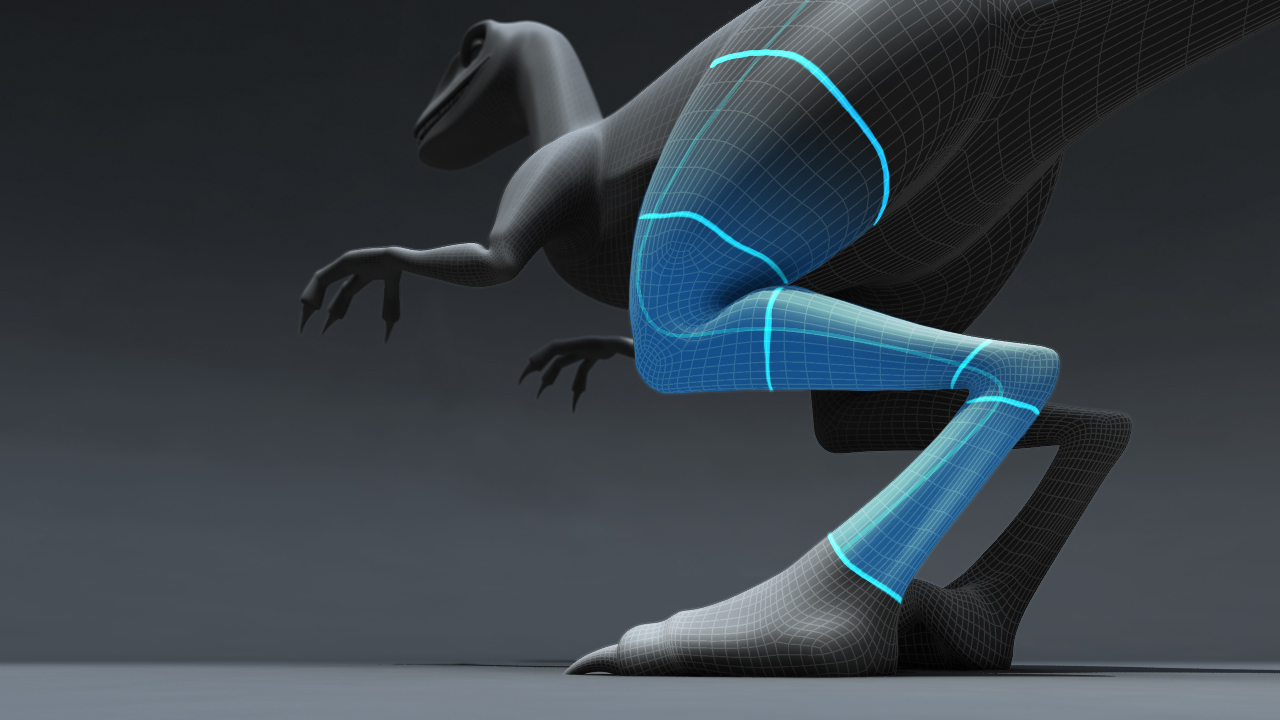
Polygon and Sub D Modeling Workflows in Maya
Introduction
Maya is an incredibly powerful 3D animation, modeling and rendering software used in many industries all over the world. It has a wide range of tools and features that make it one of the most popular 3D software packages. One of the key features of Maya is its ability to create and manipulate objects using both polygon and subdivision surfaces (SubDs). In this tutorial, we’ll take a look at both of these different modeling workflows, and how they can be used to create stunning 3D models in Maya.
Polygon Modeling
Polygon modeling is a popular and powerful modeling technique that is used to create 3D objects with hard edges. This type of modeling is typically used to create organic shapes and characters, as well as hard surface objects such as vehicles and buildings. Polygon modeling is done by manipulating vertices, edges and faces. Vertices are points that define the shape and position of an object, edges are lines connecting vertices, and faces are the polygons that define the shape of an object.
In Maya, there are a variety of tools that can be used to manipulate the vertices, edges and faces of a polygon model. The Move, Rotate and Scale tools can be used to transform the geometry of an object, while the Extrude, Bevel and Inset tools can be used to add detail and shape to a model. Other tools such as the Extrude Face, Edge and Vertex tools can be used to create more complex shapes. The Split Polygon tool can be used to quickly add detail to a model, while the Bridge tool can be used to add surface area between two faces.
SubD Modeling
Subdivision modeling is a modeling technique that is used to create smooth, organic shapes or hard surface objects with smooth edges. This type of modeling is typically used to create characters and other organic shapes, as well as complex mechanical forms. SubD modeling is done by manipulating control vertices (CV’s). Control vertices are points that define the shape and position of an object, and when manipulated, can be used to create smooth, curved surfaces.
In Maya, there are a variety of tools that can be used to manipulate the control vertices of a SubD model. The Move, Rotate and Scale tools can be used to transform the geometry of an object, while the Extrude and Bevel tools can be used to add detail and shape to a model. Other tools such as the Soft Selection and Tweak tools can be used to create more complex shapes. The Smooth tool can be used to quickly add smooth curves to a model, while the Insert Edge Loop tool can be used to add surface area between two faces.
Conclusion
Polygon and SubD modeling are two of the most popular modeling techniques used in Maya. Each technique has its own unique advantages and disadvantages, and it is important to understand the differences between the two when deciding which technique to use for a particular project. This tutorial has provided an overview of both polygon and SubD modeling workflows in Maya, as well as some of the tools that can be used to create stunning 3D models.
