How To Export Sketchup To Blender
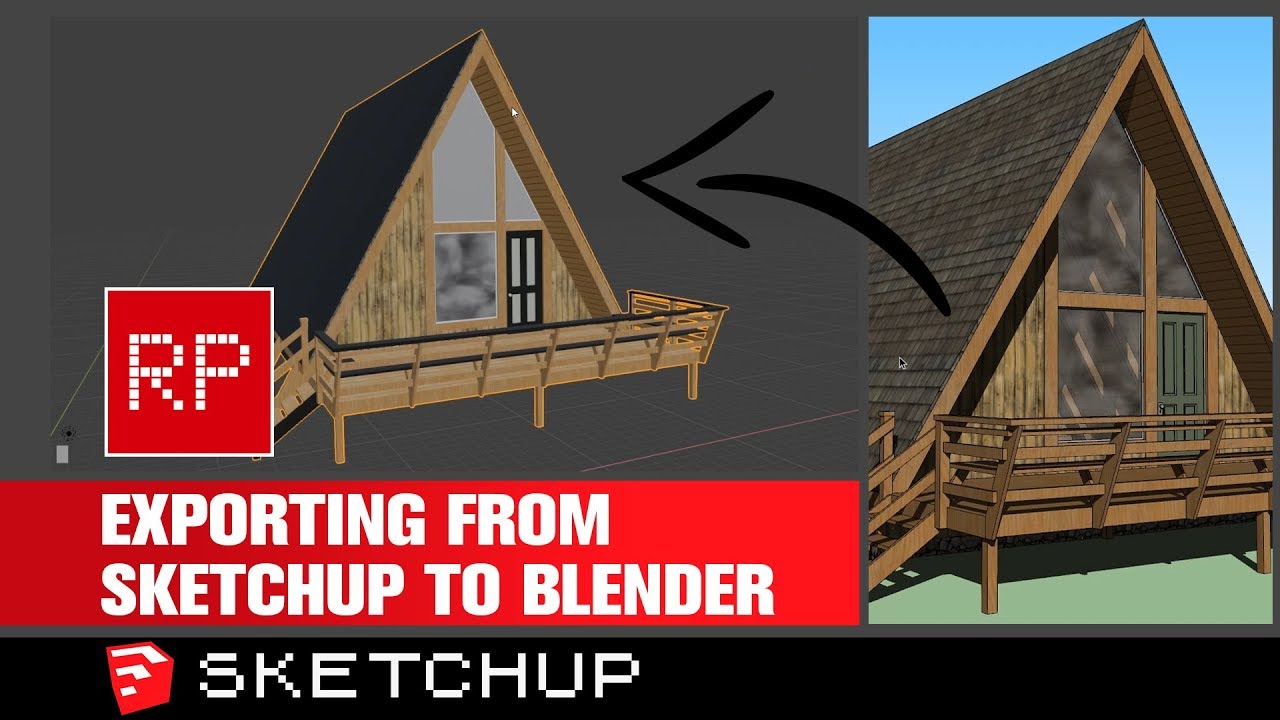
How To Export Sketchup To Blender
Introduction
SketchUp and Blender are both incredibly powerful 3D modeling and animation software. Many people who are familiar with one of these programs often want to learn how to use the other. Fortunately, learning how to export SketchUp to Blender is a relatively simple process. This tutorial will walk you through the steps of exporting SketchUp models to Blender so that you can use them in your next big project.
Export Your SketchUp Model
The first step to exporting SketchUp to Blender is to export your SketchUp model. To do this, first select the model you want to export. Then, click on File > Export > 3D Model. This will open a window that will allow you to choose where you want to save the model and in which format. For the format, select "Wavefront OBJ" which is the format that Blender uses to import models.
Import Your Model Into Blender
The next step is to import your model into Blender. To do this, open Blender and click on File > Import > Wavefront (.obj). This will open a window that will allow you to select the model you want to import. Select the model you just exported from SketchUp and click Import OBJ. This will import the model into Blender.
Check Your Model
Once you've imported your model into Blender, you should check to make sure the model looks correct. Check the size of the model, the colors, and the textures. If the model looks correct, you're ready to move on to the next step.
Set Up Your Scene
Next, you need to set up your scene. This includes adding any lights, cameras, materials, or other objects you may need for your scene. Once you have added all of the elements you need, you can move on to the next step.
Render The Scene
The final step is to render the scene. To do this, click on the Render tab at the top of the screen. Then, select the type of render you want to use. You can choose from a variety of different render types, such as ray trace, global illumination, or even a simple render. Then, click Render to start the rendering process.
Conclusion
Exporting SketchUp models to Blender is a relatively simple process. It only requires a few steps, including exporting the model from SketchUp, importing the model into Blender, setting up the scene, and then rendering the scene. With these steps, you can easily export SketchUp models to Blender and use them in your next big project.
