High To Low Poly Blender
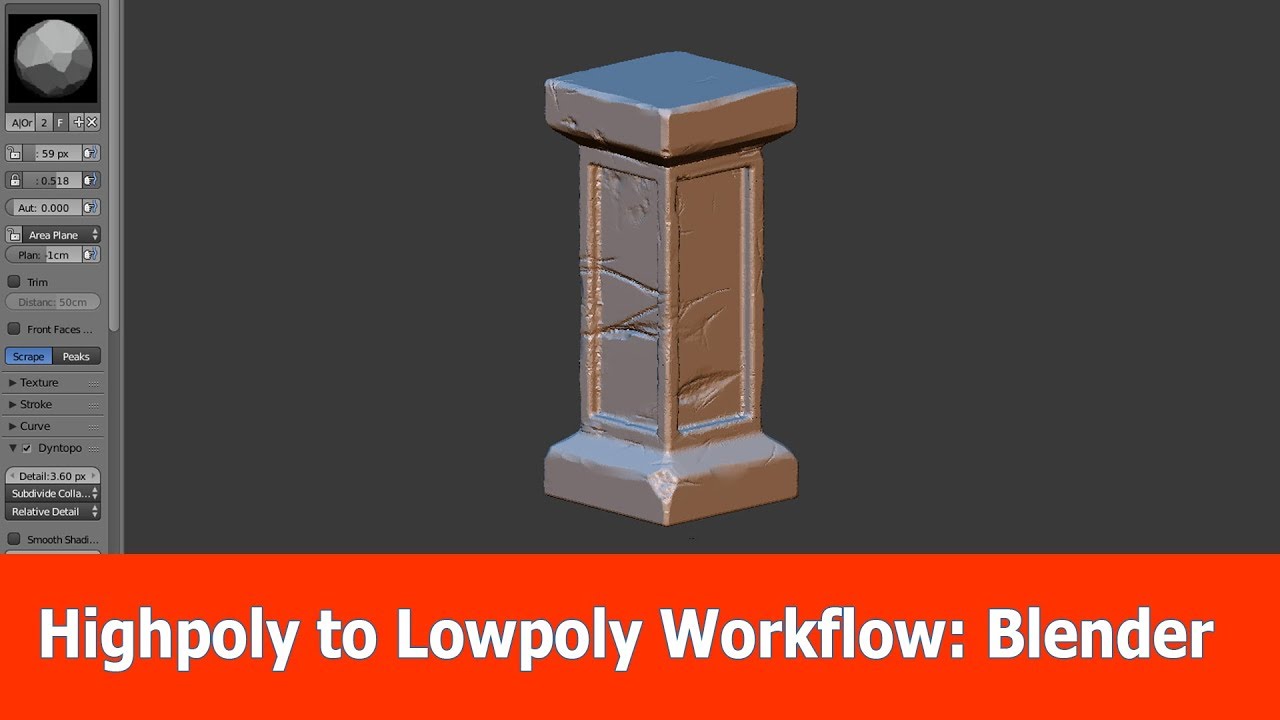
High To Low Poly Blender Tutorial
Introduction
Blender is an open source 3D computer graphics software used for creating animated films, visual effects, interactive 3D applications, and video games. It is used in many movies, including Big Hero 6 and Inside Out. Blender has a lot of features that can help you create amazing 3D models and scenes. One of its features is the ability to go from high to low poly. In this tutorial, we will discuss what high and low poly are, how to switch between the two in Blender, and the advantages and disadvantages of each.
What is High Poly and Low Poly?
High poly and low poly are terms used to describe the number of polygons used in a 3D model. A polygon is a shape made up of three or more lines connected together. The higher the polygon count, the more detailed the model. High poly models have a lot of polygons and are more detailed, while low poly models have fewer polygons and are less detailed.
Switching From High to Low Poly in Blender
There are several ways to switch from high to low poly in Blender. The most common way is to use the Decimate modifier. This modifier allows you to reduce the polygon count of a model by removing the least important polygons. To use the Decimate modifier, select the model, then go to the Modifiers tab and select Decimate from the list. Set the Decimate type to Collapse and the Ratio to the desired amount. This will reduce the polygon count of the model.
Advantages and Disadvantages of High and Low Poly
High poly models have a lot of detail and can be used for close-up renderings and animations. They look great but can take a long time to render and require a lot of computer power. Low poly models are less detailed but are faster to render and require less computer power. They are best used for background objects and distant renderings.
Conclusion
High to low poly is a great feature of Blender that can help you create amazing 3D models and scenes. It allows you to reduce the polygon count of a model for faster rendering and less computer power. High poly models are great for close-up renderings and animations, while low poly models are best used for background objects and distant renderings. With the help of this tutorial, you should now have a better understanding of high and low poly, and how to switch between them in Blender.
