Blender Low Poly To High Poly
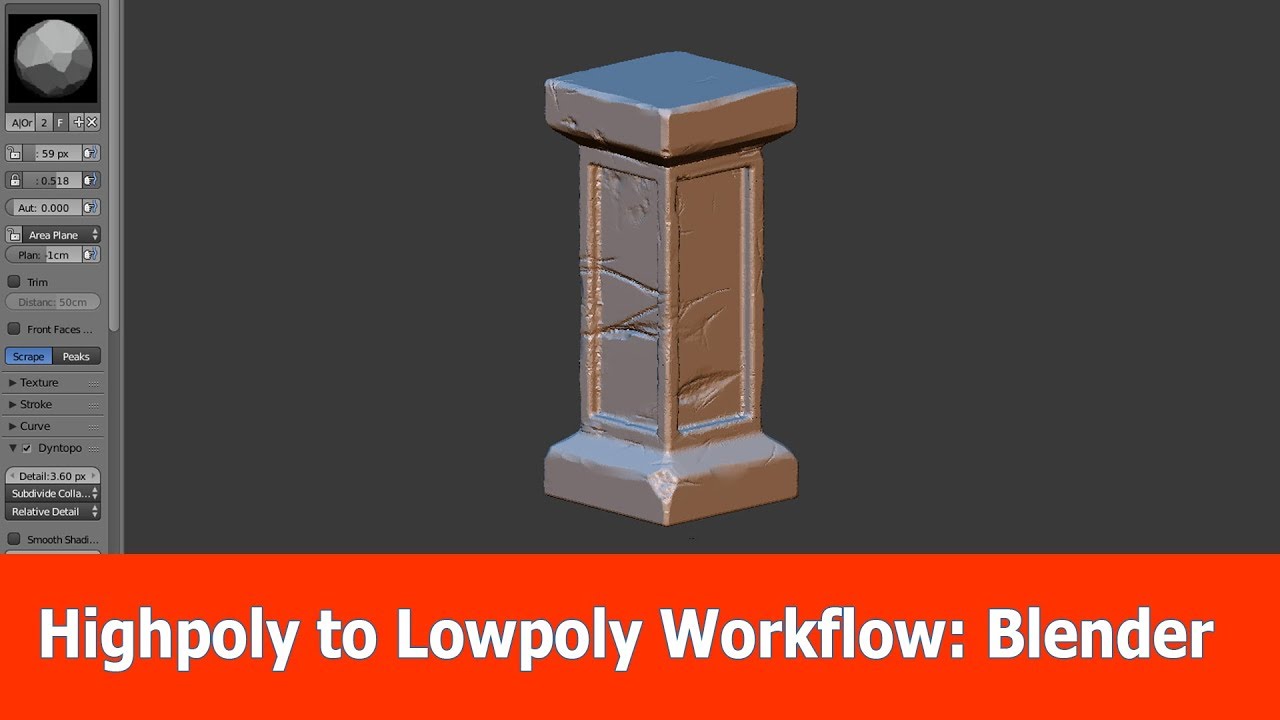
Introduction to Blender Low Poly to High Poly
The term low poly and high poly models are used frequently in the 3D art world and they refer to the complexity of a 3D model. Low poly models have fewer polygons, while high poly models have many more polygons. Low poly models are typically used in real-time applications such as video games and virtual reality, while high poly models are used for highly detailed renders and animations. If you’re new to 3D art, it can be difficult to understand the difference between the two. This tutorial will walk you through the basics of low poly to high poly modeling in Blender.
Understanding Low Poly Modeling
Low poly modeling is a 3D modeling technique that uses fewer polygons than traditional models. A low poly model is typically used for real-time applications such as video games and virtual reality. Low poly models are less detailed than high poly models and often have a more “blocky” appearance. Low poly models can be created quickly and easily, and they are typically much smaller in size than their higher poly counterparts. Low poly models are also more efficient when it comes to rendering and loading times.
Creating Low Poly Models in Blender
Blender is an open source 3D modeling software that is free to download and use. It is a powerful and versatile program that can be used to create low poly models. To create a low poly model in Blender, you will need to use the basic 3D modeling tools such as the extrude, move, rotate, and scale tools. You can also use the various modifiers to add detail to your model. When creating low poly models, it is important to keep the polygon count as low as possible while still maintaining the desired shape and detail. It is also important to use a consistent scale when creating your model.
High Poly Modeling
High poly modeling is a 3D modeling technique that uses more polygons to create a highly detailed model. High poly models are typically used for animations and high-resolution renders. High poly models are more time consuming to create, but they have a much higher level of detail than low poly models. When creating high poly models in Blender, you can use the same modeling tools as you would for low poly models. However, you will need to pay more attention to the number of polygons and the level of detail you are adding to your model.
Creating High Poly Models in Blender
Creating high poly models in Blender is similar to creating low poly models, but with more attention to detail. You will need to use the same modeling tools, but you should pay more attention to the number of polygons and the level of detail you are adding to your model. You can also use the various modifiers to add additional detail. When creating high poly models, it is important to keep the model as low poly as possible while still maintaining the desired shape and detail. You can also use the subdivision modifier to increase the level of detail in your model.
Conclusion
Low poly and high poly models have different uses in 3D art. Low poly models are typically used for real-time applications such as video games and virtual reality, while high poly models are used for animations and high-resolution renders. Blender is a powerful and versatile program that can be used to create both low poly and high poly models. When creating low poly models, it is important to keep the polygon count as low as possible while still maintaining the desired shape and detail. When creating high poly models, it is important to keep the model as low poly as possible while still maintaining the desired shape and detail.
