How To Open 3d Warehouse In Sketchup
How To Open 3d Warehouse In Sketchup
What Is 3D Warehouse?
3D Warehouse is a repository of 3D models available online. It is an online library that is full of 3D models and other assets that can be used in Sketchup and other 3D modeling programs. It is a great resource for anyone who needs to find 3D models of any kind, from furniture to vehicles. All of the models in 3D Warehouse are free to download, and can be used for both personal and commercial projects.
How To Open 3D Warehouse In Sketchup
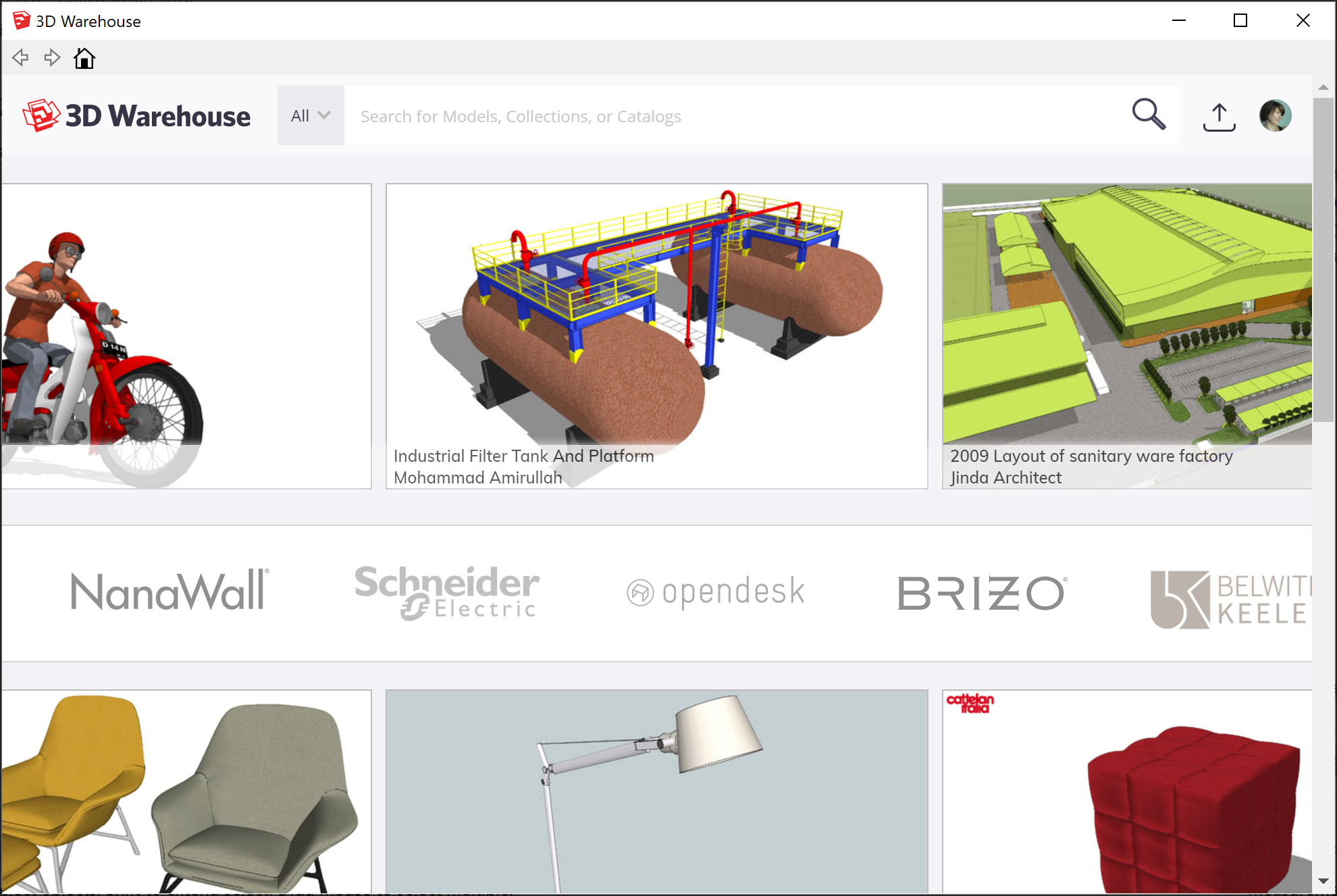
Opening 3D Warehouse in Sketchup is an easy process. First, launch Sketchup and click the “Window” menu at the top of the screen. From the dropdown menu, select the option “3D Warehouse.” This will open a new window with the 3D Warehouse library. In the window, you will be able to search for models, browse collections, and find the perfect model for your project.
Searching For Models In 3D Warehouse
If you already know what you are looking for, you can use the search bar to quickly find the model you need. All you have to do is type in the name or description of the model and click enter. The 3D Warehouse will display all of the models that match your query. You can then narrow down your search by using the filters on the side of the window. These filters will allow you to refine your search by category, type, material, and other criteria.
Browsing Collections In 3D Warehouse
If you are not sure what you are looking for, you can browse collections in 3D Warehouse. Collections are groups of models that have been organized by theme, such as furniture, plants, and vehicles. You can also find collections that have been created by other users, which can be a great way to discover new models and stay up to date with the latest trends. To browse collections, simply click the “Collections” tab at the top of the 3D Warehouse window.
Downloading Models From 3D Warehouse
Once you have found the model you want to download, click the “Download” button. The model will be downloaded as a .skp file, which is the default format for Sketchup. The model will then be added to your Sketchup library, and you can use it in your project.
Conclusion
3D Warehouse is an essential resource for anyone who uses Sketchup. It is a great way to find 3D models of any kind, and can be used for both personal and commercial projects. Opening 3D Warehouse in Sketchup is an easy process, and you can use the search bar to quickly find the model you need. You can also browse collections in 3D Warehouse to find new models. Once you have found the model you want to download, you can download it as a .skp file and use it in your project.
