How To Make Simple 3d Models
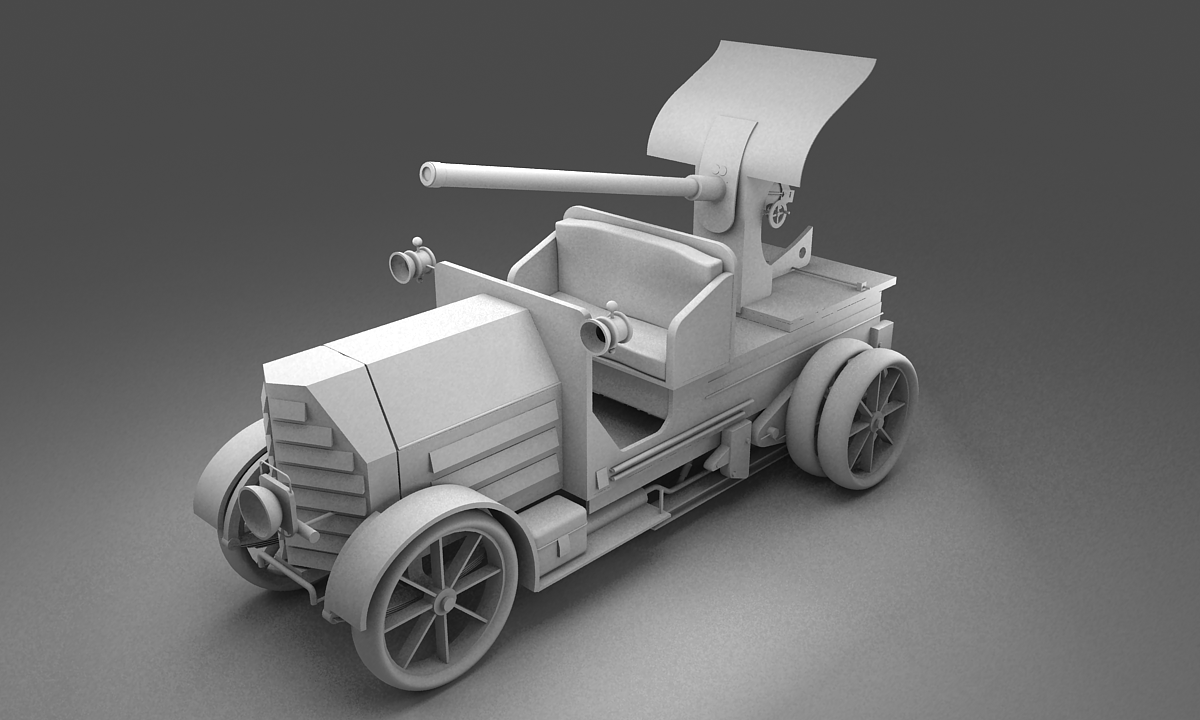
How To Make Simple 3D Models
3D modelling is a fascinating activity for those who want to create their own models for fun, for school projects, or even for professional work. 3D modelling is a complex field, but with the right tools, it can be much easier to create stunning 3D models. In this tutorial, you will learn how to make simple 3D models without having to learn all the complicated aspects of 3D modelling.
Overview of 3D Modelling
3D modelling is the process of creating a 3-dimensional object from a 2-dimensional image or a set of coordinates. A 3D model is a mathematical representation of a 3-dimensional object, and is used in a variety of applications, such as video games, movies, architecture, engineering, and more. 3D modelling can be divided into several categories, such as polygonal modelling, surface modelling, and NURBS modelling. Each type of 3D modelling has its own advantages and disadvantages, but for this tutorial, we will focus on polygonal modelling.
Software Needed
To make simple 3D models, you will need a 3D modelling software. There are many different types of 3D modelling software available, both free and commercial. Some of the most popular free 3D modelling software include Blender, SketchUp, and Wings 3D. For this tutorial, we will be using Blender, which is a powerful open-source 3D modelling software.
Modelling a Simple Object
Once you have downloaded and installed Blender, you can start creating your 3D model. Blender is a user-friendly software, and it has many tools and features that make it easy to create 3D models. To start, you will need to create a new 3D object. To do this, you can either use the primitives that are included in Blender, or you can use the Polygonal modelling tools to create your own custom shapes. For this tutorial, we will use the primitives included in Blender.
Modifying the Object
Once you have created your 3D object, you can begin to modify it. Blender has a wide range of tools for modifying 3D objects, such as scaling, rotating, and extruding. You can also add details to your object, such as textures, materials, and lights. The possibilities are almost endless, so you can use your imagination to create your own unique 3D model.
Rendering the Object
Once you have finished modifying your 3D object, you can render it. Rendering is the process of converting your 3D model into a 2D image. Blender has many different rendering options, such as ray tracing, global illumination, and ambient occlusion. Each rendering option has its own advantages and disadvantages, so it is important to choose the one that best suits your needs.
Conclusion
Making simple 3D models is a fun and rewarding activity. With the right tools and knowledge, anyone can make stunning 3D models. In this tutorial, we have learned how to make simple 3D models using Blender, a powerful open source 3D modelling software. We have also learned how to modify and render our 3D models. With practice, you can become a master of 3D modelling!
