Advanced Character Modeling In Maya
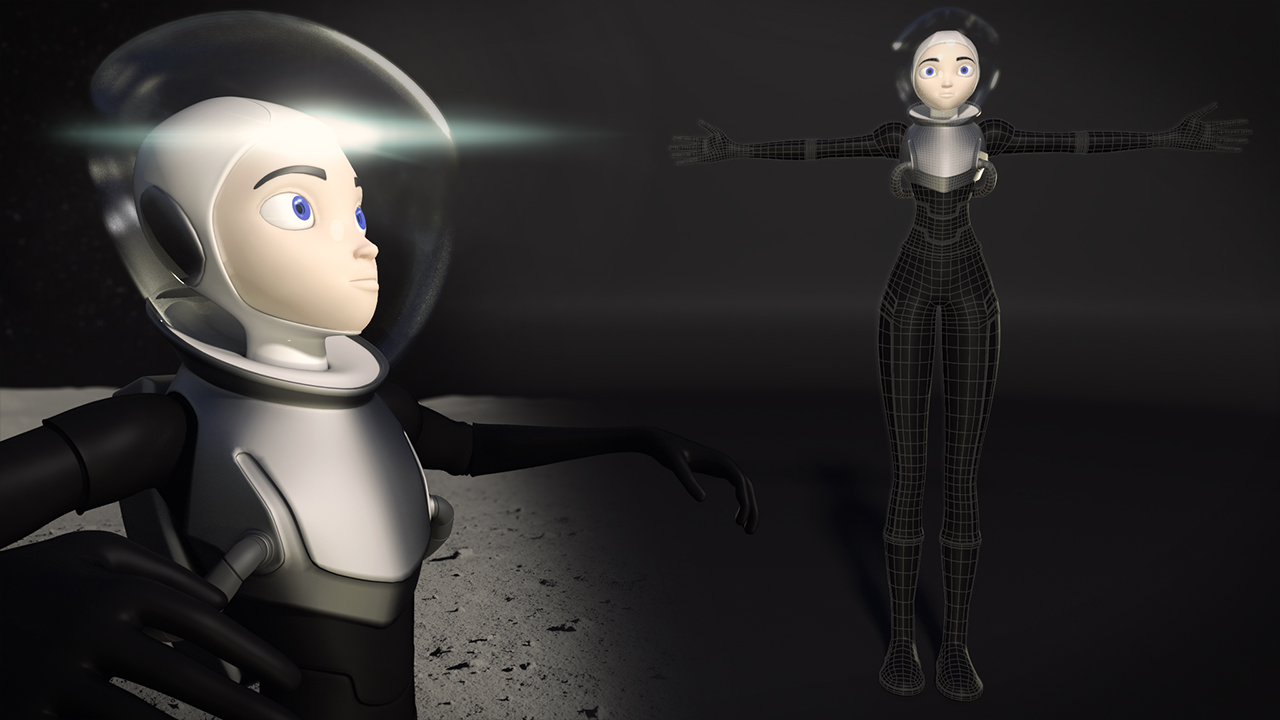
Advanced Character Modeling In Maya
Introduction
Character Modeling is an integral part of creating a 3D animation. It is the process of creating a 3D mesh that will form the basis of a character rigged for animation. Character modeling is a creative process that requires a lot of patience, skill and practice. In this tutorial, we'll take a look at the process of character modeling in Maya. We'll cover the basics of character modeling, from sketching to sculpting to the final product.
Sketching Your Character
Before you start modeling your character in Maya, it's important to take some time to sketch out your character's design. You can use pencil and paper, or a drawing tablet. This is a great opportunity to get a feel for the character's anatomy, design, and proportions. You don't need to be an amazing artist, but having a good idea of the character before you start modeling can save you a lot of time.
Modeling the Base Mesh
Once you have a basic sketch of your character, it's time to start modeling in Maya. The first step is to create a base mesh. This is the foundation for your character model, and it's where you'll add the details. There are a few different ways to create a base mesh. You can use primitives, or you can use a sculpting tool. Whichever way you choose, it's important to make sure the proportions are correct. Take your time and make sure the base mesh is as accurate as possible.
Refining the Mesh
Now that you have a base mesh, it's time to start refining the mesh. This is where you add the details such as wrinkles, pores, and other small details. You can use a sculpting tool such as Mudbox or ZBrush to add these details. You can also use the Polygon Modeling tools in Maya to add details such as bevels, creases, and edge loops. Once you have the details added, you can start refining the mesh. This is where you smooth out the edges and make sure the proportions are correct.
Texturing and Rendering
The next step is to add textures to your character. You can use textures from online libraries such as cgtextures.com, or you can create your own textures in Photoshop. Once you have the textures applied, you can start rendering your character. This is the final step in the process of character modeling, and it's where you get to see your character come to life. You can render your character using a program such as Mental Ray or Arnold. You can also render your character in real-time using a game engine such as Unity or Unreal Engine.
Conclusion
Character modeling is a creative and rewarding process. It takes patience and practice to get the results you want, but the end result is well worth it. In this tutorial, we've taken a look at the process of character modeling in Maya. We've covered the basics of character modeling, from sketching to sculpting to the final product. With some practice, you can create amazing characters that will be sure to impress.
