Can Blender Open Sketchup Files
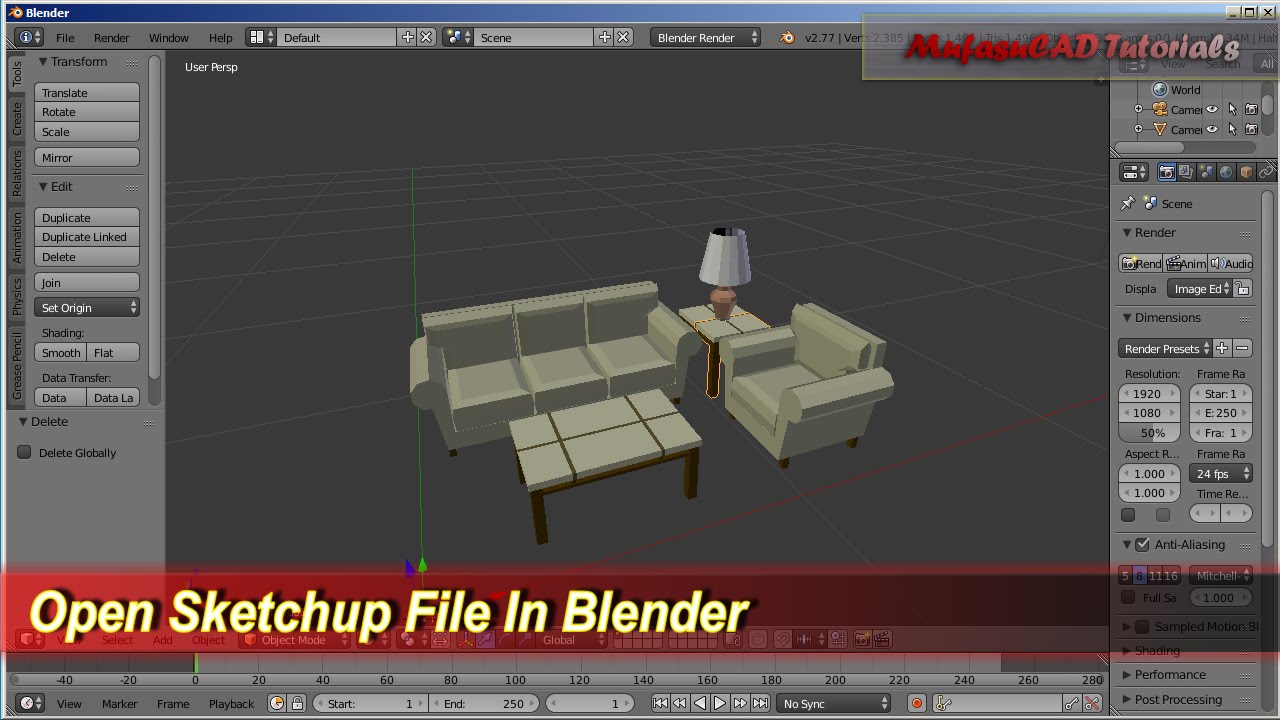
Can Blender Open Sketchup Files?
Introduction
Blender is an open source 3D creation suite that supports the 3D pipeline, from modeling, rigging, animation, simulation, rendering, compositing, and motion tracking, even video editing and game creation. It is a powerful and versatile software that allows you to create and manipulate 3D models and scenes. So, can Blender open Sketchup files?
Sketchup and Blender
Sketchup is a powerful and easy to use 3D modeling software from Trimble. It is used by millions of professionals and hobbyists around the world for creating models and scenes. It is a great tool for creating 3D models and scenes quickly and easily. On the other hand, Blender is a powerful and versatile 3D modeling and animation suite that is used by professionals and hobbyists alike. It is capable of creating and manipulating 3D models and scenes just as easily as Sketchup.
Can Blender Open Sketchup Files?
The answer is yes. Blender can open Sketchup files, however, there is no direct support for Sketchup files in Blender. You will need to export your Sketchup files in a format that Blender can open, such as Collada (.dae) or Wavefront (.obj). Once the file is exported, you will then be able to import it into Blender and begin working with the model.
Importing Sketchup Files into Blender
In order to import your Sketchup file into Blender, you will first need to export it in a format that Blender can open. To do this, open your Sketchup file in Sketchup and then go to File > Export > 3D Model. Select the format you wish to export in and then click Export. Once the file is exported, you will then be able to import it into Blender.
Working With Sketchup Files in Blender
Once the Sketchup file is imported into Blender, you will be able to begin working with the model. You will be able to add materials to the model, edit the geometry, and create animations. You will also be able to render the scene and export it in a variety of formats.
Conclusion
In conclusion, yes, Blender can open Sketchup files. However, you will need to export the file in a format that Blender can open, such as Collada (.dae) or Wavefront (.obj). Once the file is exported, you will then be able to import it into Blender and begin working with the model. With Blender, you will be able to create and manipulate 3D models and scenes just as easily as with Sketchup.
